Simplify billing workflows and reduce manual work
Keep terms, approvals, billing logic and delivery connected from commercial agreement to issued invoice.














Everything an invoice needs before it goes out
Contract term extraction
Agreements, order forms, and amendments are read, with parties, pricing, cadence, payment terms, and renewal conditions pulled out and linked to the source. Conflicting or unclear clauses go to review rather than a guess.
Prerequisite validation
Check customer, entity, configured GST, PO and document requirements before issuance. Missing inputs become owned work until billing is ready.
Flexible billing schedules
One-time, recurring, per-seat, usage, milestone and hybrid models are configured to match how the deal was sold. Ramps, minimum commitments, tiers and overages are represented explicitly, not approximated.
Change-aware billing
Amendments, renewals, seat changes and true-ups recalculate future charges under policy. An issued invoice is never silently rewritten, and an informal email never counts as an approved change.
Continue billing under existing agreements
The agreement and its amendments are ingested, terms extracted and compared against invoices already issued. A billing cutoff is set, so only the remaining obligations activate while open invoices continue into AR unchanged.
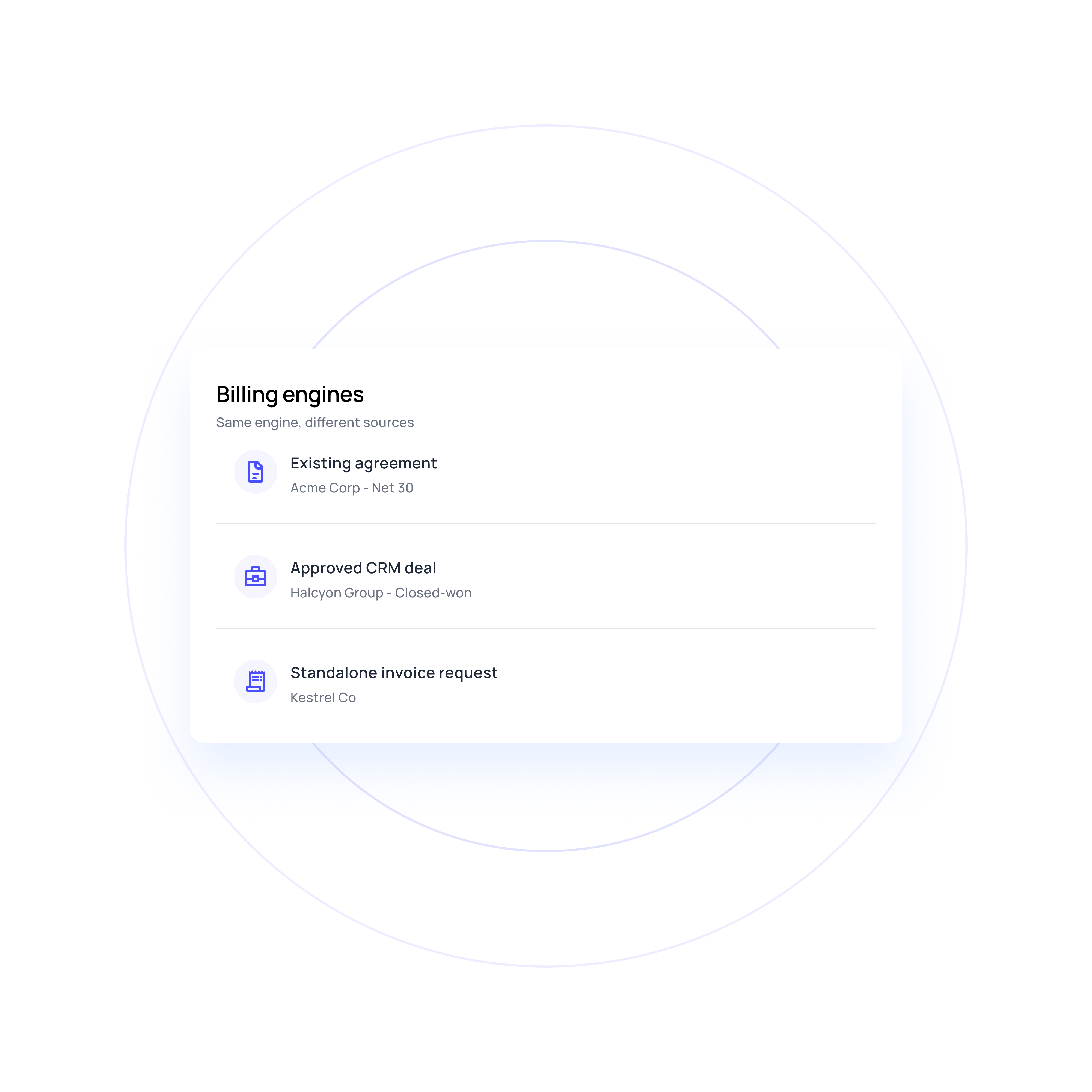
Convert approved deals into contracts
Approved opportunity and quote data populate a contract template, then commercial and legal approvals route to the right owner. Billing activates once signature, start date and conditions are met. Nonstandard wording never becomes an approved term on its own.
Issue standalone invoices
Line items and customer details are accepted directly, by upload or API, then validated and routed for approval where required. The invoice issues without manufacturing a contract dependency behind it.
Simplify your billing process with automation
Controls that hold the numbers together
Approval and signature coordination
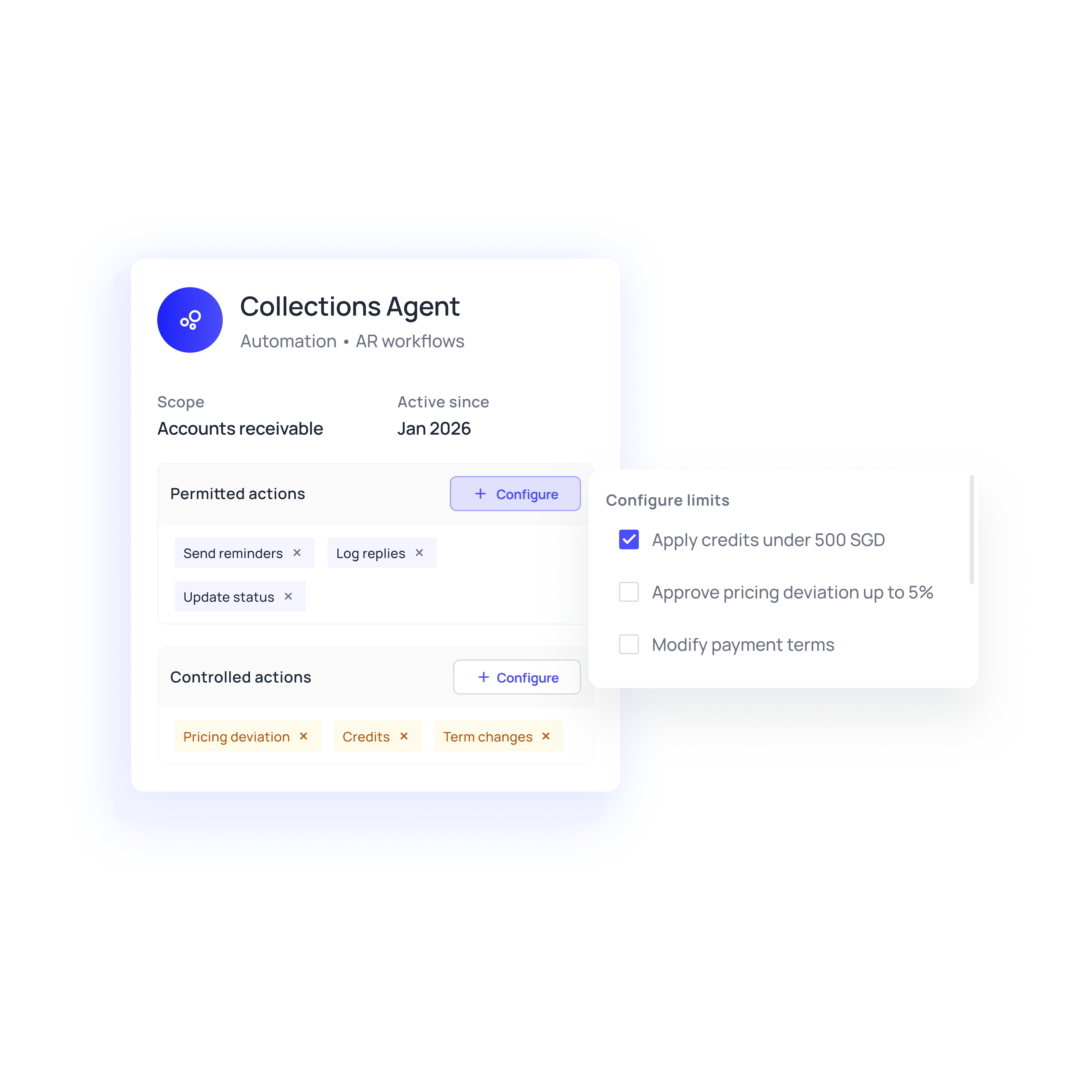
Approval rules flex by entity, contract value, discount or deviation. Reviewers are reminded, delegation is handled, and e-signature status is confirmed through a connected provider. Only the authorised final version activates the matching obligations.
Verified accounting writes and recovery
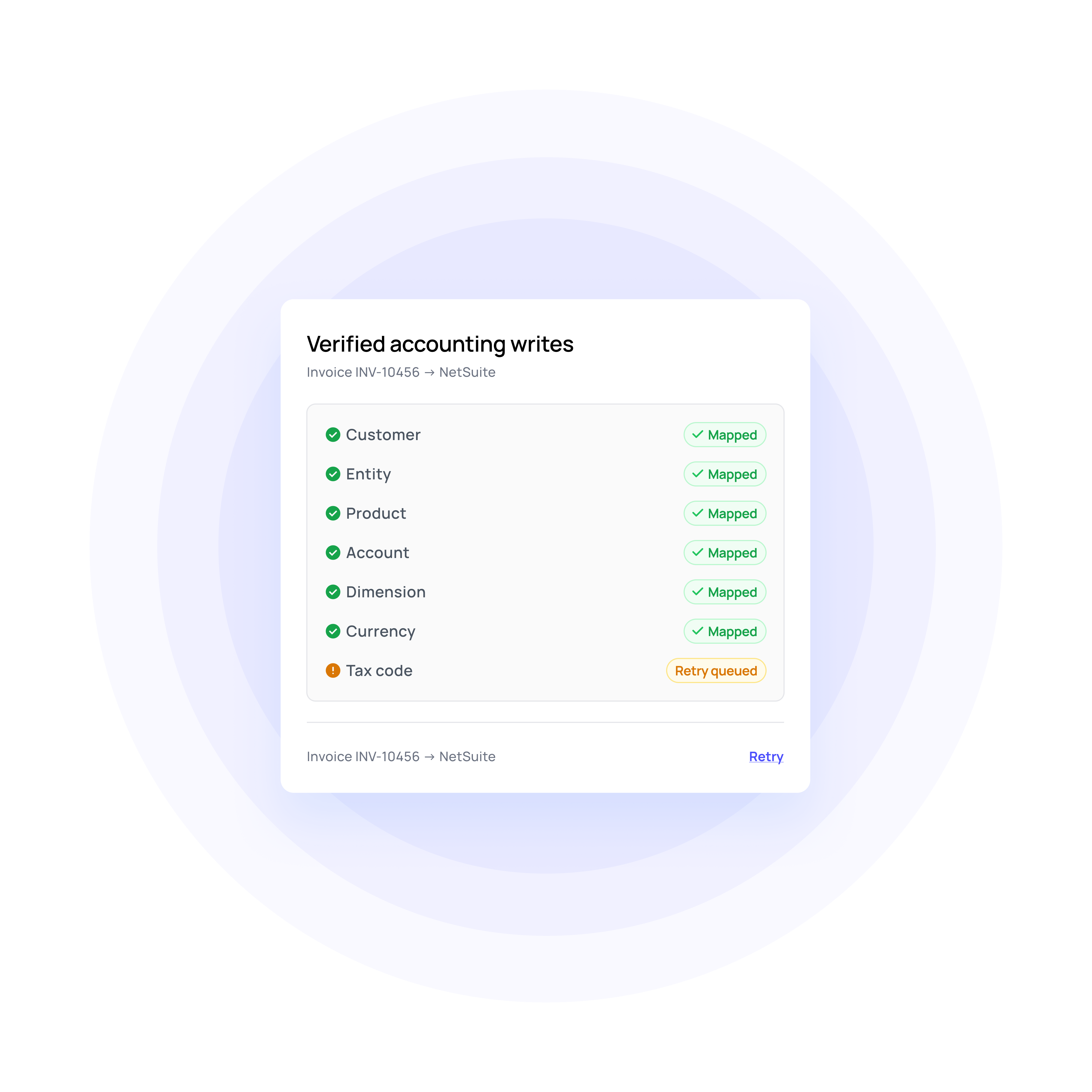
Customers, entities, products, accounts and tax codes are mapped before anything reaches the ledger. Each write is confirmed by its ERP ID, and failed writes retry on a stable identifier, so a timeout never causes a duplicate.
Invoice-to-contract checks
Scheduled and issued charges are compared against active terms, billed history and usage or milestone evidence. Skipped charges, duplicate periods and unapproved rates surface as assigned actions, without labelling every difference a proven leak before investigation.
Billing operations reporting
Track billing readiness, completeness against expected obligations, cycle time and integration health. Failed postings stay visible rather than hidden behind a "sent" status, so the team sees exactly where billing is slowing down.
Put to work across complex billing setups
Finance teams in Singapore may bill across several regional entities, currencies and tax configurations. Keep entity-specific rules attached to each invoice without rebuilding the billing logic for every market.
Bill usage and project charges only when the required input or acceptance evidence arrives. Hold the affected charge without stopping unrelated billing work.
Keep configured GST information, customer references and supported electronic-delivery requirements connected to each invoice. Track submission and rejection separately so failed delivery returns to the right owner.
Billing automation compared with the manual handoff
Manual or legacy billing | The Volopay approach |
|---|---|
Finance interprets commercial terms by hand before billing starts | Terms are extracted into structured obligations, each linked to its source |
Complex pricing schedules live in spreadsheets beside the system | Recurring, usage, milestone and hybrid models sit inside the billing flow |
An invoice marked "sent" is assumed to have reached the customer | Delivery, receipt, acceptance and rejection stay as distinct, visible states |
Amendments trigger manual recalculation and version confusion | Approved changes recalculate future charges while the original stays intact |
ERP posting is assumed successful once the data is sent | Every write is verified, with the resulting ERP record captured as proof |
They loved Volopay, you will too
FAQs
No. Standalone invoice creation is a first-class path. Line items and customer details are accepted directly, by upload or API, then validated and issued. A contract provides the commercial basis only where one applies.
Yes, in the target operating model. Volopay can coordinate the workflow while your existing system creates the financial document. Deployment defines one authoritative writer and the permitted sync directions, so it doesn't create duplicate invoices.
Volopay supports electronic invoicing through validated provider connections where available. For Singapore deployments, teams should confirm InvoiceNow compatibility, required GST data and submission responsibilities during implementation.
Volopay sends unclear or conflicting terms to a named owner. Billing resumes only after the required interpretation is approved and recorded.
Issued invoices use the approved credit-note or replacement process for your accounting system, with the original record and links preserved. Refund approval and payment are separate actions, and collections sees the revised amount only when the financial state updates.
Finance and legal retain authority over nonstandard terms, pricing deviations, credits and sensitive mapping changes. Volopay executes permitted work within those boundaries.
Bring Volopay to your business
Get started now