A smarter way to manage accounts receivable
Keep receivables moving from invoice to payment with automated AR workflows. Handle routine work faster, while routing exceptions to the right finance owner with clear context.
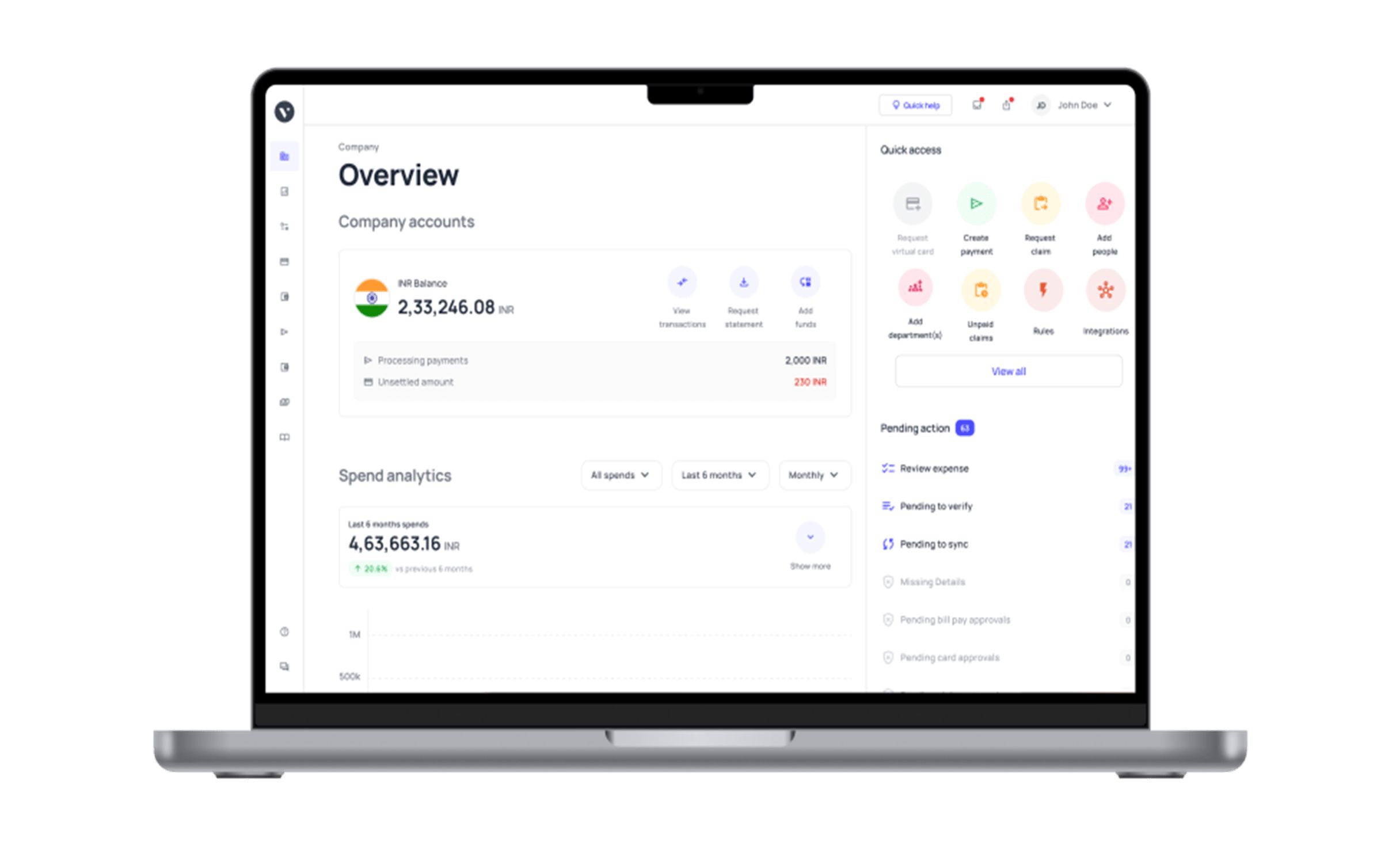















Catch AR issues before they hold up cash
Billing readiness
Check required POs, documents, approvals and customer-specific billing requirements before invoices go out. Catch gaps early so receivables do not stall after billing.
Collections prioritisation
Bring account context, customer history, promises and disputes together. Help collectors prioritise open receivables and progress permitted follow-ups without searching across systems.
Cash application
Combine payment and available remittance context, including INR receipts, then apply exact matches and approved customer rules first. Route unclear or material cases with supporting evidence.
Dispute coordination
Detect short-pays and disputes, gather invoice, correspondence and supporting evidence, assign ownership and track next actions until the issue is resolved.
AI finance agents
Use deterministic logic for clear cases, customer rules for known policies and agentic reasoning where context is ambiguous. Finance retains authority over decisions that require judgement, approval or escalation.
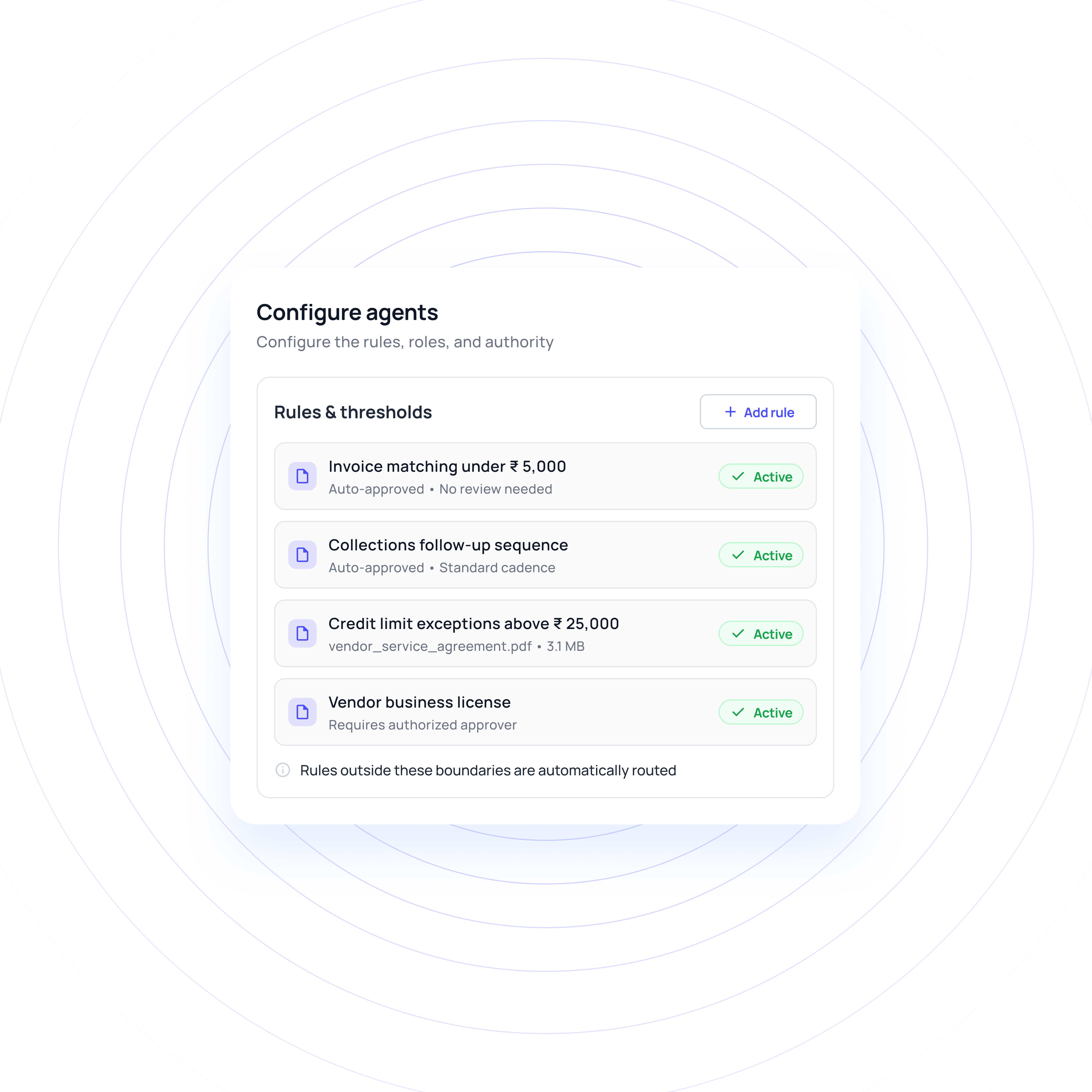
AR control tower
Go beyond ageing balances with visibility into exception patterns, resolution status, reconciliation activity and workflow outcomes. Give finance a clearer view of where receivables are slowing down and where intervention is needed.
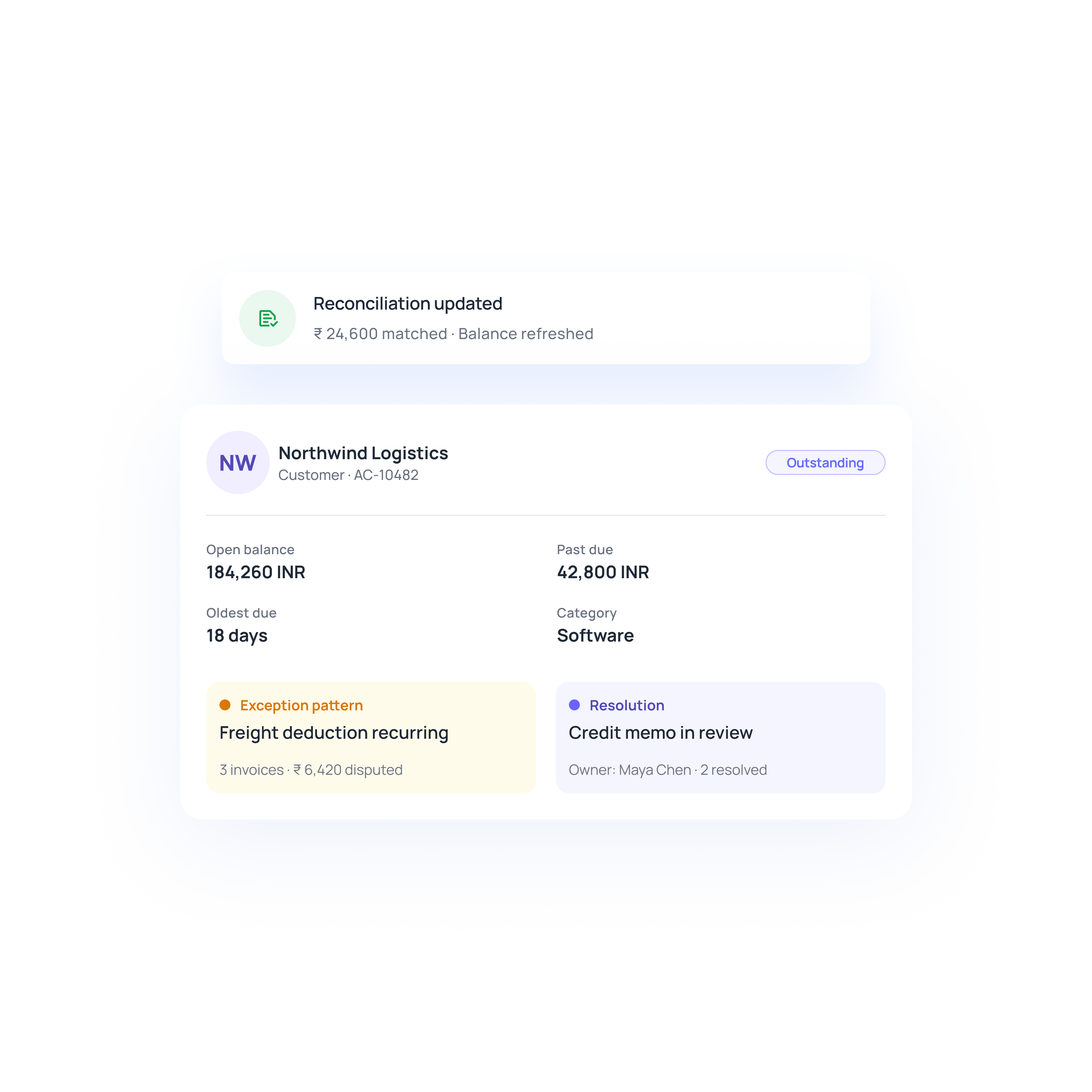
Workflow-scoped configuration
Configure accounts receivable automation software around your existing process, rules, exceptions and authority structure. Start with one meaningful workflow, validate it on representative cases, then expand when measured results support it.
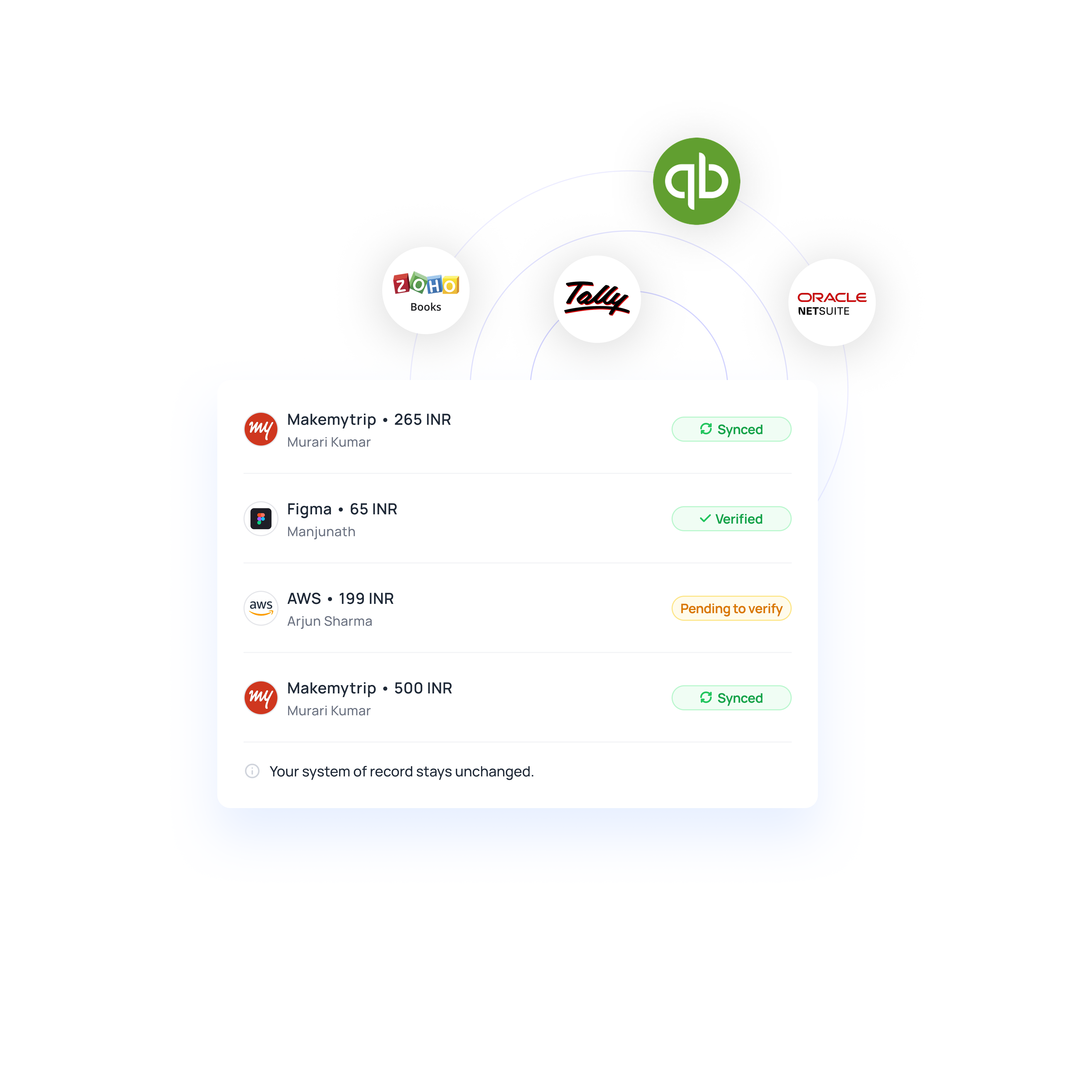
Turn complex receivables into seamless workflows
Give finance confidence to automate more
Defined decision boundaries
Configure accounts receivable automation around clear rules, roles and authority across your AR operation. Finance decides what automation can handle, while material, sensitive or uncertain cases remain with authorised reviewers and approval requirements.
Evidence at every exception
Keep supporting context attached to every unresolved case, including transaction details and evidence. The right owner can review what happened, understand the issue and decide the next action without rebuilding context each time.
Measured business impact
Use AR software to measure changes against your existing baseline, including cycle time, manual touches, exception age and collector effort. Finance gets evidence of operational impact before expanding automation further with confidence and responsibility.
Phased deployment
Start with one high-value workflow, validate routine and exception cases, then extend automation where results support it. This measured approach lets finance scale proven workflows without committing to blanket automation upfront.
See where Volopay fits into AR
Indian B2B invoices may need GST details alongside customer-specific POs, documents and approvals. Billing workflows check configured tax information and required context before issuance, while finance makes tax decisions.
A customer may deduct TDS and pay less than the gross INR invoice amount. Cash application applies the supported receipt, keeps the difference visible and sends the residual to finance when the treatment needs review.
Large enterprise customers may require a PO, approval or supporting document before accepting an invoice. Billing workflows identify missing inputs early, while collections can keep the resulting receivable tied to its customer context and status.
A different approach to accounts receivable management
Traditional AR setup | The Volopay approach |
|---|---|
Billing, collections and disputes operate as separate workflows | Connected workflows carry related work from one AR stage to the next |
Teams search across systems to rebuild customer and transaction context | A connected receivable keeps relevant customer, invoice, payment and dispute context together |
Automation can stop at recommendations, tasks or exception flags | Accounts receivable automation can execute permitted actions and verify the resulting accounting state |
Changes to policies or workflows can become difficult to trace | Finance can review, test and version rule changes before they take effect |
Accounting updates often require separate follow-through after AR activity | Approved actions can create the required accounting entry and surface failed writes for safe retry |
They loved Volopay, you will too
FAQs
Volopay automates billing readiness, collections, cash application and disputes. Accounts receivable automation can check missing information, coordinate follow-ups, allocate supported receipts, route exceptions and carry approved outcomes into the accounting workflow.
Yes. AR automation software can prioritise eligible receivables, contact the right person, handle replies, request documents and track promises through payment confirmation. Outreach can pause when a hold, active conversation or new receipt changes the next action.
Volopay combines receipts, remittance, payer history and policy to propose or execute allocations. Accounts receivable automation software can investigate residual differences and confirm resulting balances in the accounting system.
Volopay detects and classifies disputes, gathers evidence, validates claims and routes approvals. Accounts receivable management software can prepare the permitted recovery, credit, correction or adjustment while undisputed amounts continue through collection.
No. Volopay operates alongside your existing finance stack. AR software can coordinate permitted work while your ERP or accounting system remains the source for financial truth, with approved results written back and verified.
Volopay combines deterministic logic, customer rules and agentic reasoning. AR management software can act automatically when evidence, confidence and policy checks pass, while finance reviews or escalates sensitive and uncertain cases.
Bring Volopay to your business
Get started now