Streamline billing across contracts and invoices
Eligible low-risk work runs automatically. Ambiguous terms, pricing deviations, and credits go to the authorized decision-maker.














More control before the invoice goes out
Source-linked term extraction
Capture billing terms from contracts and amendments while keeping each important field tied to its source.
Multi-model billing
Configure one-time, recurring, usage, milestone, per-seat, and hybrid schedules with explicit pricing logic.
Invoice validation
Build eligible invoices and check customer, entity, configured VAT, PO, and required billing information before issuance.
Delivery state tracking
Keep submitted, received, accepted, and rejected invoices distinct so finance can see exactly where each document stands.
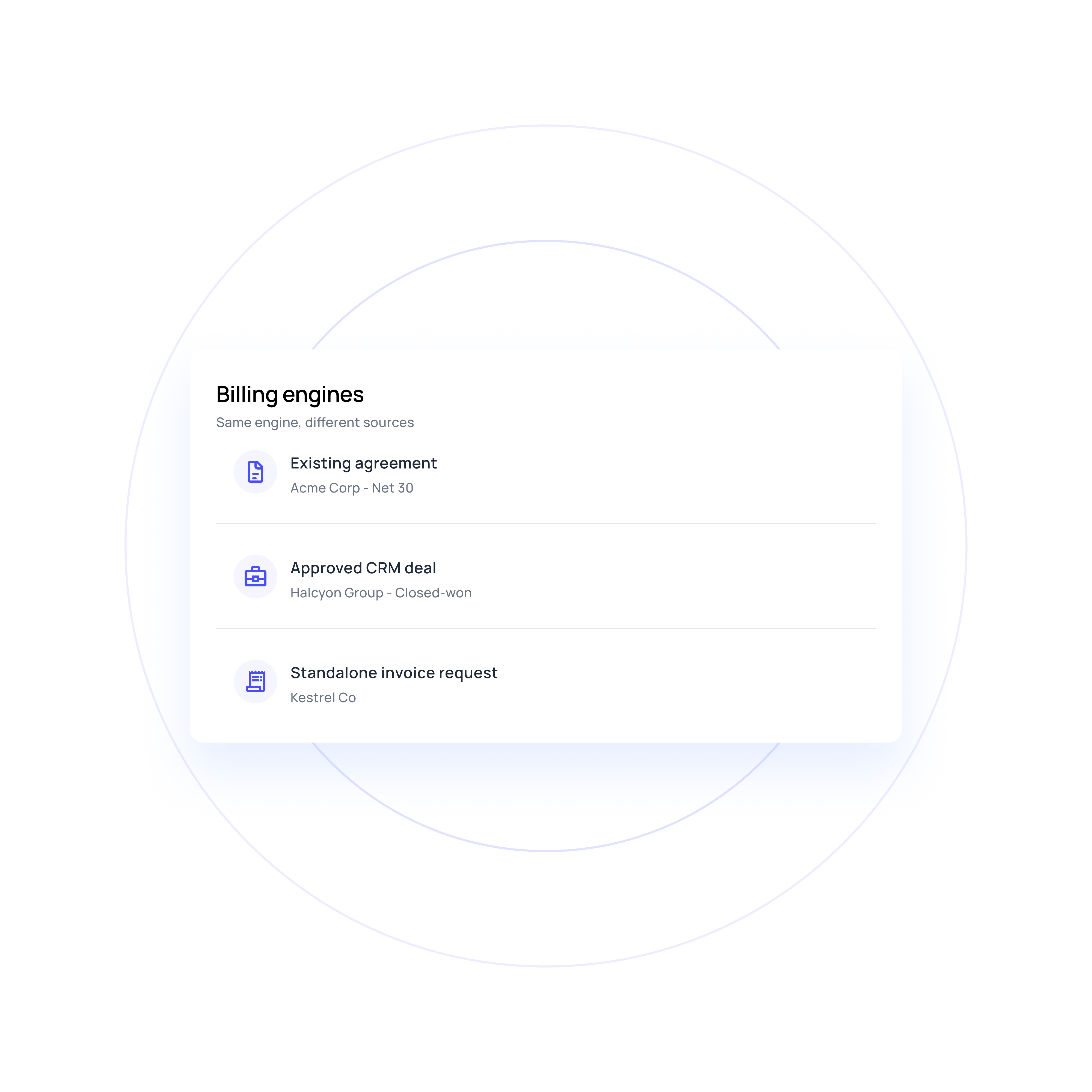
Flexible billing entry points
Start from a signed agreement, an approved CRM deal, or a standalone invoice request. Each route follows the checks and approvals appropriate to its source.
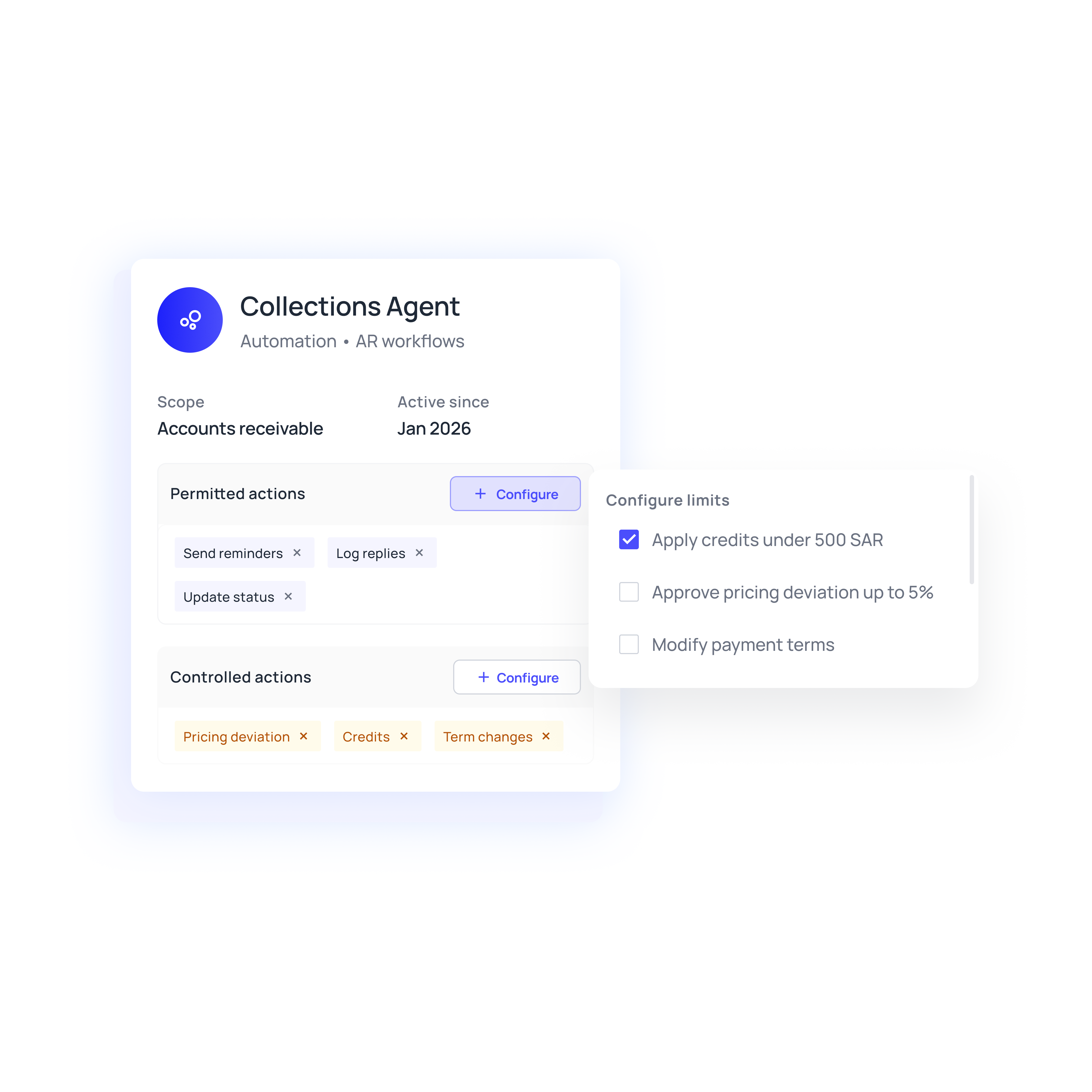
Agent actions within authority
Finance can define which billing actions run automatically and which require review. Agents execute low-risk eligible work and queue ambiguous terms or material changes for review.
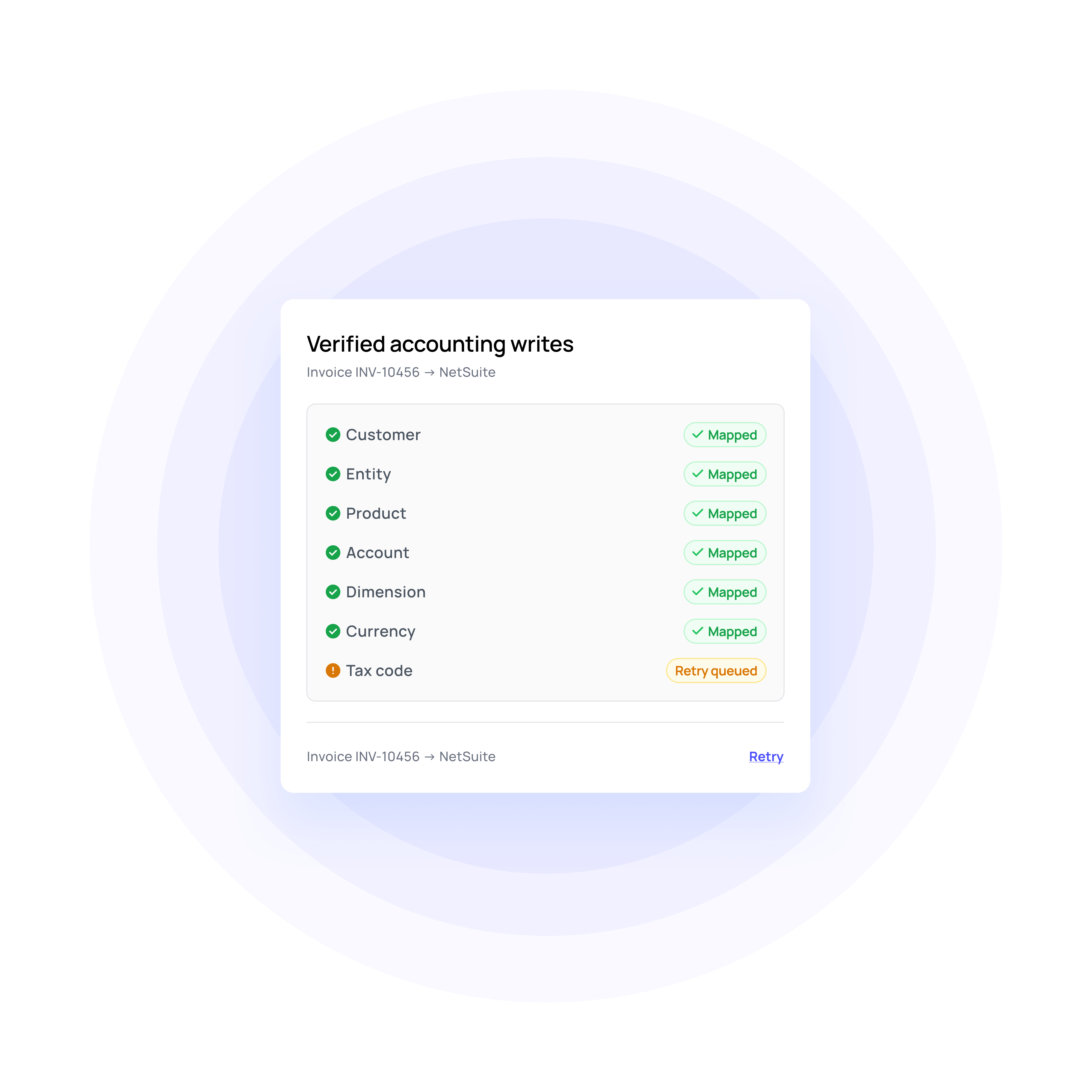
Write-back with ID verification
Volopay captures the ERP ID for each synced invoice and verifies the result. A timeout is not treated as a failed write, and retries use stable identifiers to avoid duplicates.
Simplify your billing process with automation
Fewer loose ends after the invoice is issued
Approvals with completion evidence
Reviewers, delegations, decisions, and signature status are recorded, and the completion evidence is retained. Only the authorized final version activates the corresponding obligations.
Invoice-to-contract validation and checks
Skipped charges, duplicate periods, unapproved rates, and unexplained differences are surfaced with supporting documents and assigned to an owner. A flagged difference is investigated before it is treated as a confirmed issue.
Saudi billing requirements
Keep configured VAT information, customer identifiers, references, and required invoice details connected to the billing workflow. Route missing inputs to the right owner before the affected invoice progresses.
Reporting that shows failures
Integration health lists pending writes, failures, retries, and verified outcomes. Failed postings are not hidden behind a "sent" status.
Billing automation for how Saudi businesses invoice
Bring existing agreements and amendments into the billing workflow, compare them with invoices already issued, and activate only the remaining approved obligations.
Move approved deal information into contract preparation, review, and signature. Begin billing only when the authorised agreement, start date, and required commercial conditions are in place.
Saudi businesses may combine recurring fees, usage, project milestones, and one-off charges. Apply the relevant billing logic and evidence to each charge without forcing the account into one schedule.
Why go the Volopay way?
Manual/legacy billing workflow | The Volopay billing automation approach |
|---|---|
Commercial terms may need to be interpreted again before billing begins | Volopay can extract approved billing terms from contracts and amendments, retain source references, and route unclear terms for review |
Complex billing schedules may rely on spreadsheets or separate calculation logic | Recurring, usage, milestone, per-seat, ramp, tier, and overage structures can be represented inside the billing workflow |
A successfully sent invoice may still face delivery or acceptance issues | Volopay keeps sent, received, accepted, and rejected states distinct across configured delivery channels |
Amendments can create manual recalculation and version-control work | Approved changes can update eligible future charges while preserving issued invoices and the underlying billing history |
Downstream billing writes may require separate confirmation in the accounting system | Volopay can capture the resulting ERP record, verify the outcome, and keep failed or uncertain writes visible for follow-up |
They loved Volopay, you will too
FAQs
Volopay checks approved terms, customer and entity information, configured VAT details, POs, usage inputs, milestone evidence, and required approvals before issuance. Missing information becomes owned work, and Volopay reassesses readiness when the required input arrives.
Volopay keeps required templates, references, supporting documents, and configured delivery requirements attached to the invoice. Finance can track submission, acceptance, and rejection separately and resolve missing information before resubmission.
Yes. Volopay can generate invoice lines, rates, service periods, due dates, and configured tax results, then check the required customer and billing information. Eligible invoices can move through supported delivery channels once the relevant checks pass.
Missing prerequisites can become owned billing tasks rather than generic blocked statuses. Volopay identifies the missing requirement, tracks the responsible owner, and reevaluates readiness when new evidence or approval arrives.
Ambiguous terms, material changes, pricing deviations, and actions outside configured permissions can be routed for review. Billing can resume after the required interpretation or approval is recorded.
Finance can retain authority over pricing changes, deviations, credits, invoice permissions, and accounting mappings according to configured roles. Legal negotiation and nonstandard contract terms also remain with authorized people rather than being decided independently by an agent.
Bring Volopay to your business
Get started now