Vendor invoice management system to streamline AP
Volopay’s invoice management system streamlines how businesses handle their accounts payable by consolidating the entire process in one place. From uploading invoices to automating approvals and payments, it provides an efficient, transparent solution for finance teams of all sizes.
With real-time tracking, multi-level approvals, and seamless integrations, you can reduce manual efforts, eliminate errors, and optimize cash flow management. Whether you’re a startup or an established company, Volopay ensures that your invoice management is smooth, fast, and stress-free. This platform is built to simplify your financial operations and offer better control over every transaction.








Process and approve invoices in one place
Manage your entire invoice lifecycle — from receipt to approval — within a single platform. Volopay’s vendor invoice management system centralizes invoice submissions, automates routing, and accelerates approvals.
You can view, approve, or reject invoices instantly, significantly reducing delays. Finance teams can easily streamline their accounts payable process, ensuring smoother collaboration and reducing back-and-forth emails.

Sync all transactions
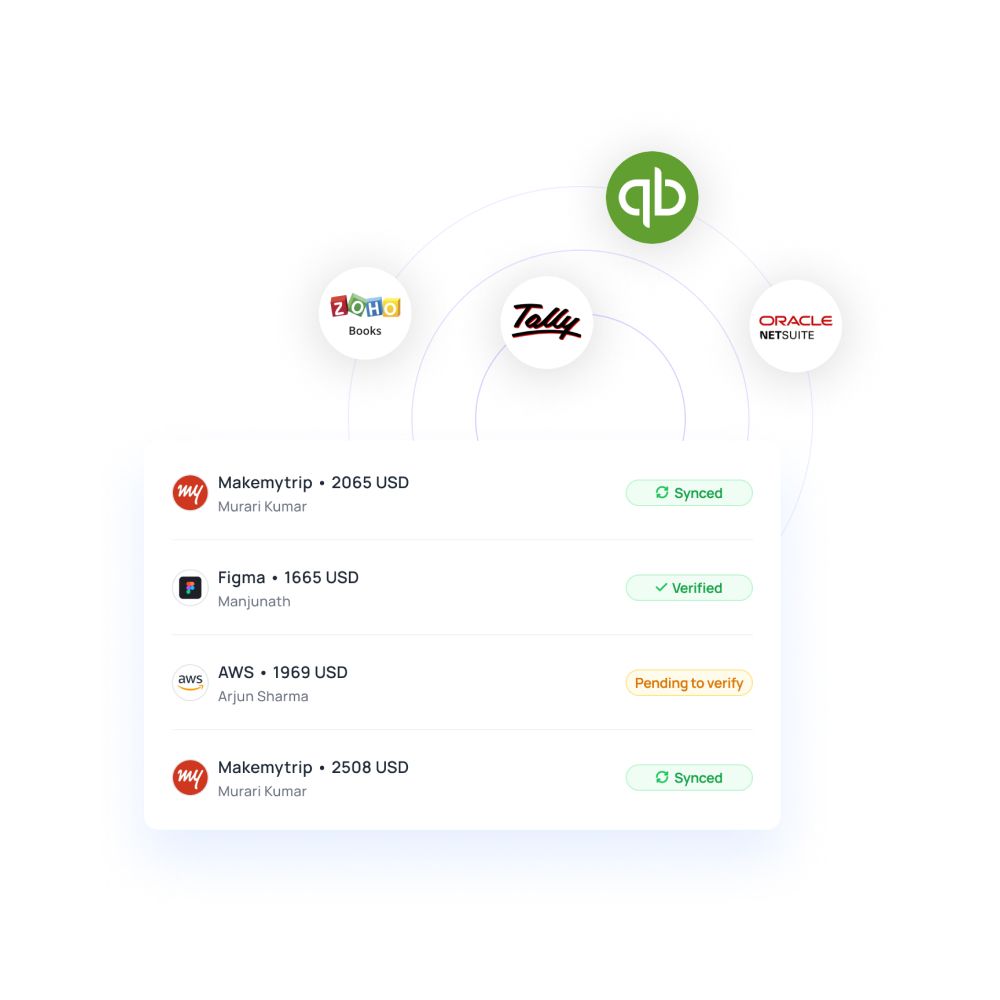
Volopay’s comprehensive vendor invoice management software integrates seamlessly with your existing accounting tools, ensuring all transactions are synchronized in real time.
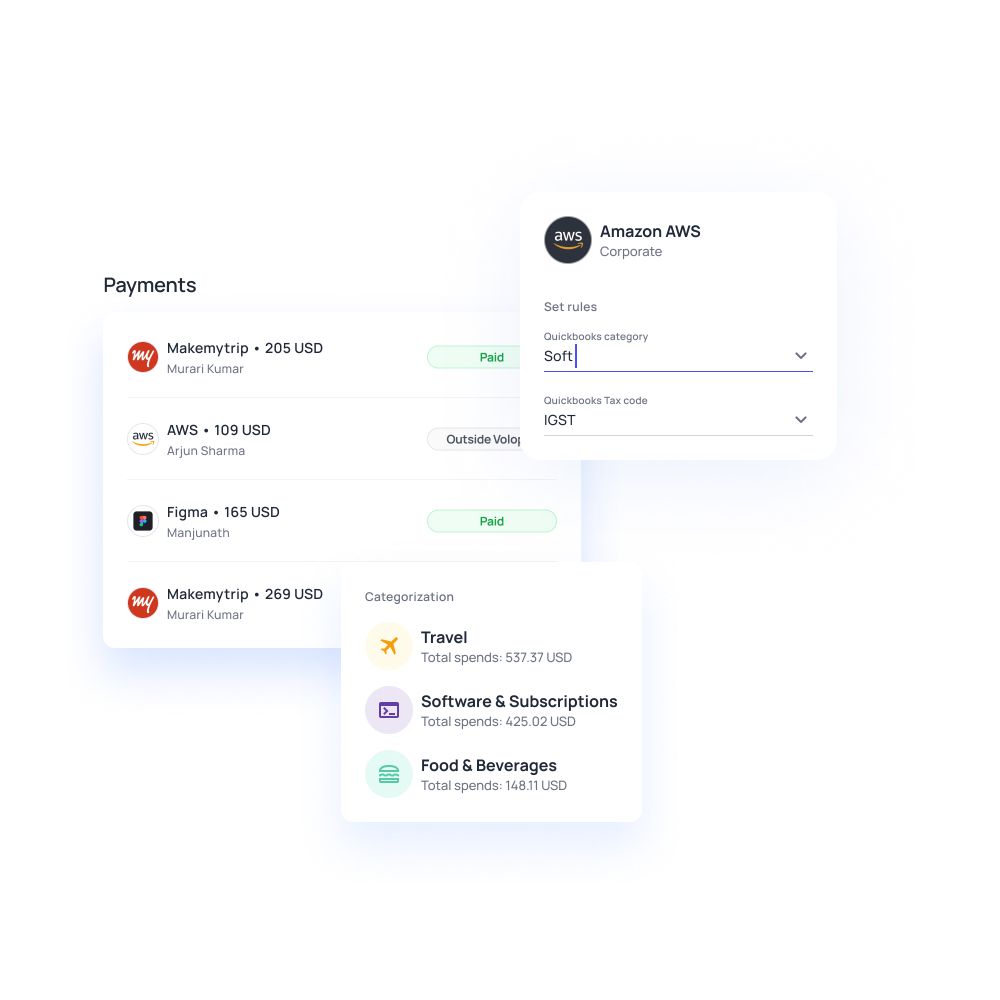
Whether you're using Xero, QuickBooks, Netsuite, or practically any accounting software out there, syncing invoices, payments, and approvals happens automatically. This feature eliminates data discrepancies, ensuring you have accurate and up-to-date financial records available at all times.
Efficient vendor management
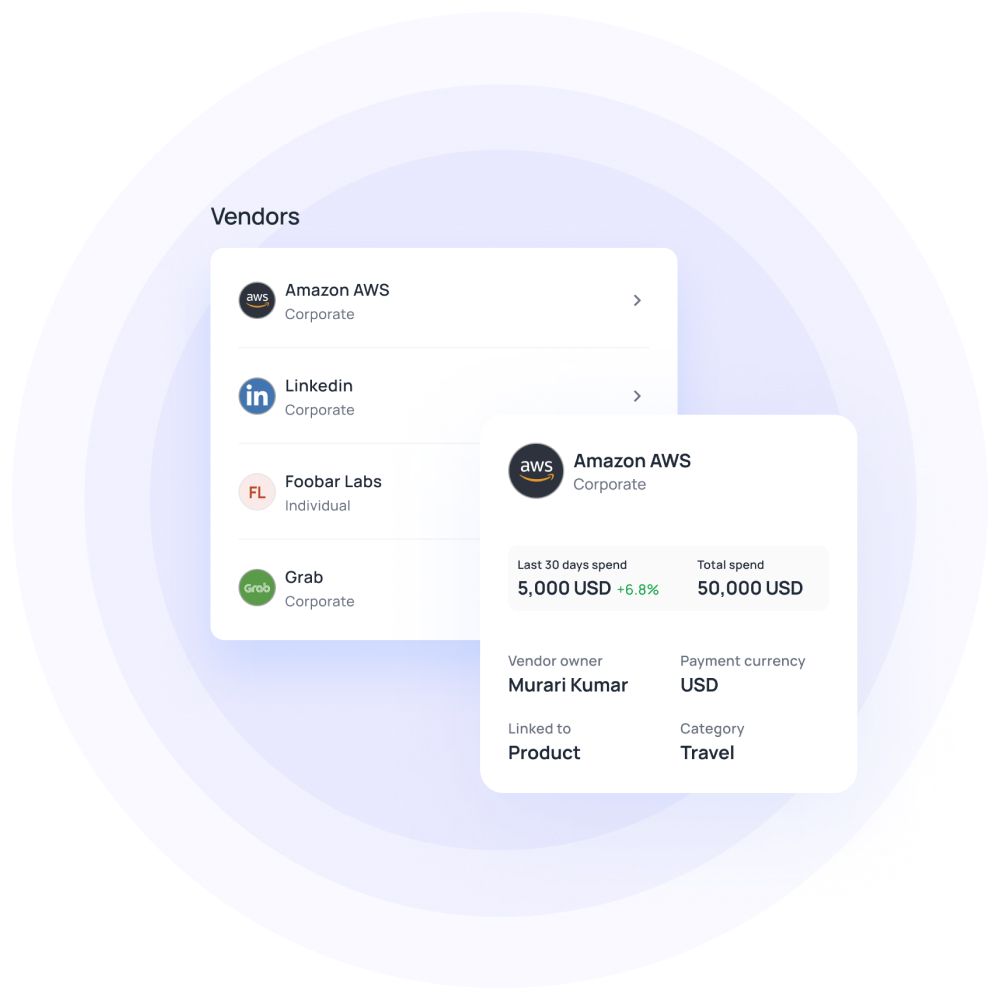
Effortlessly manage vendor details, track payment terms, and maintain strong supplier relationships through Volopay’s fully equipped vendor invoice management system.
Organize all your vendor information in one place, set preferred payment schedules, and avoid delays in payments. The platform helps you create a smooth, transparent relationship with suppliers by automating reminders and approvals.
Set multi-level approvals
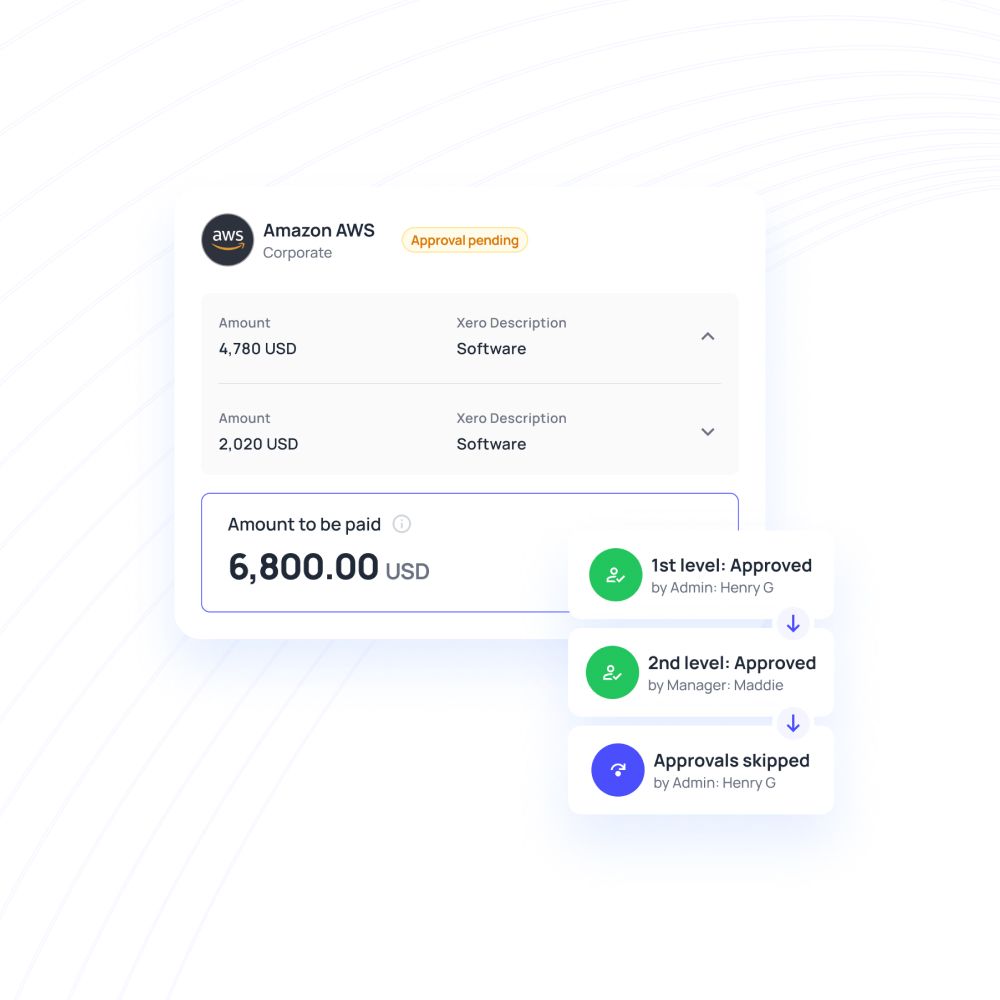
Customize your approval workflows with multi-level, conditional approvals to fit your organization’s structure.
Volopay’s invoice management tool allows you to create approval hierarchies, ensuring that the right people sign off on invoices at the right time. Whether you need one or several layers of authorization, this helps prevent unauthorized payments and ensures compliance with your internal policies.
Match and pay with a single click
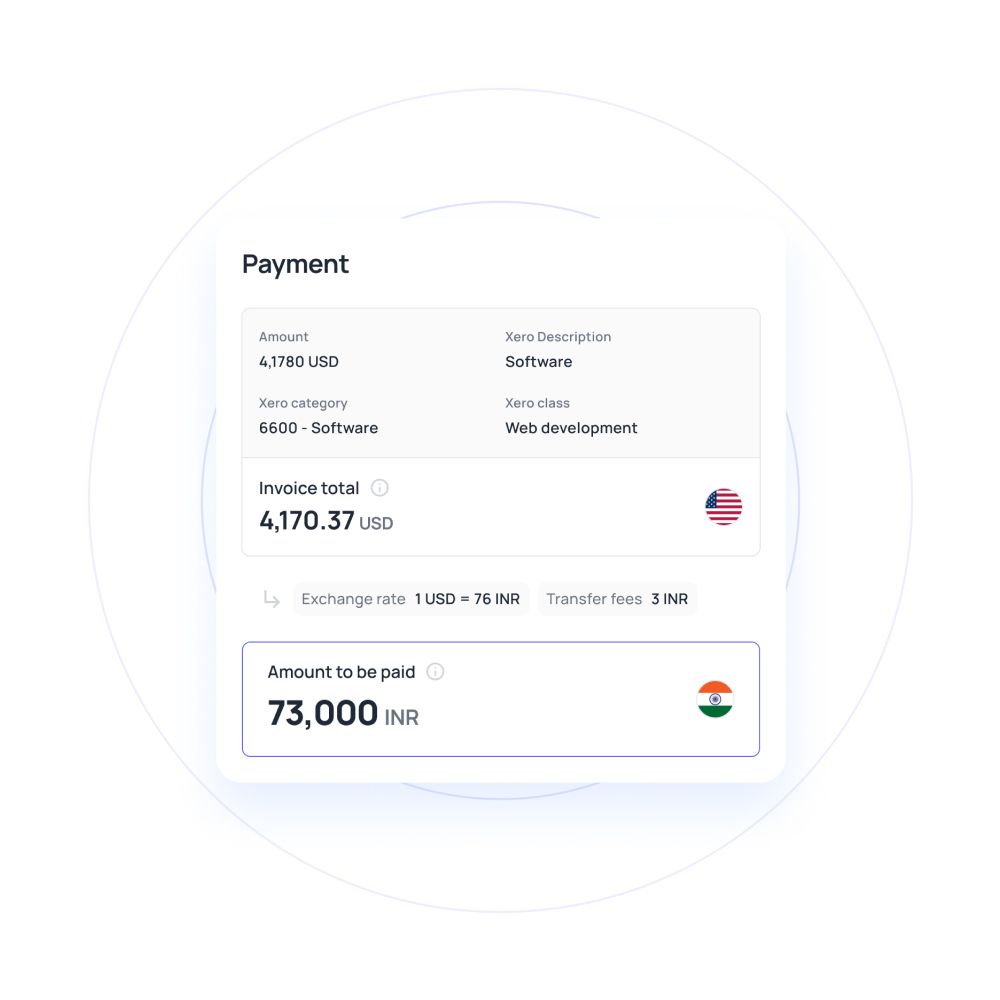
Eliminate manual matching of invoices, purchase orders, and receipts by automating the entire process with Volopay’s vendor invoice management software.
The invoice management platform automatically matches invoices to the correct payment records, significantly reducing errors and ensuring full accuracy. Once they have been matched, pay invoices with a single click, ensuring timely payments while minimizing effort.
Track every spend in real-time
Get constant, complete visibility into your entire accounts payable process with Volopay’s real-time spend tracking feature.
Monitor all invoice statuses, track each and every payment, and view detailed reports on business cash flow. With live insights into every transaction, finance teams can stay ahead at all times, make informed decisions, and forecast expenses with confidence and accuracy.
Set up an early payment cycle
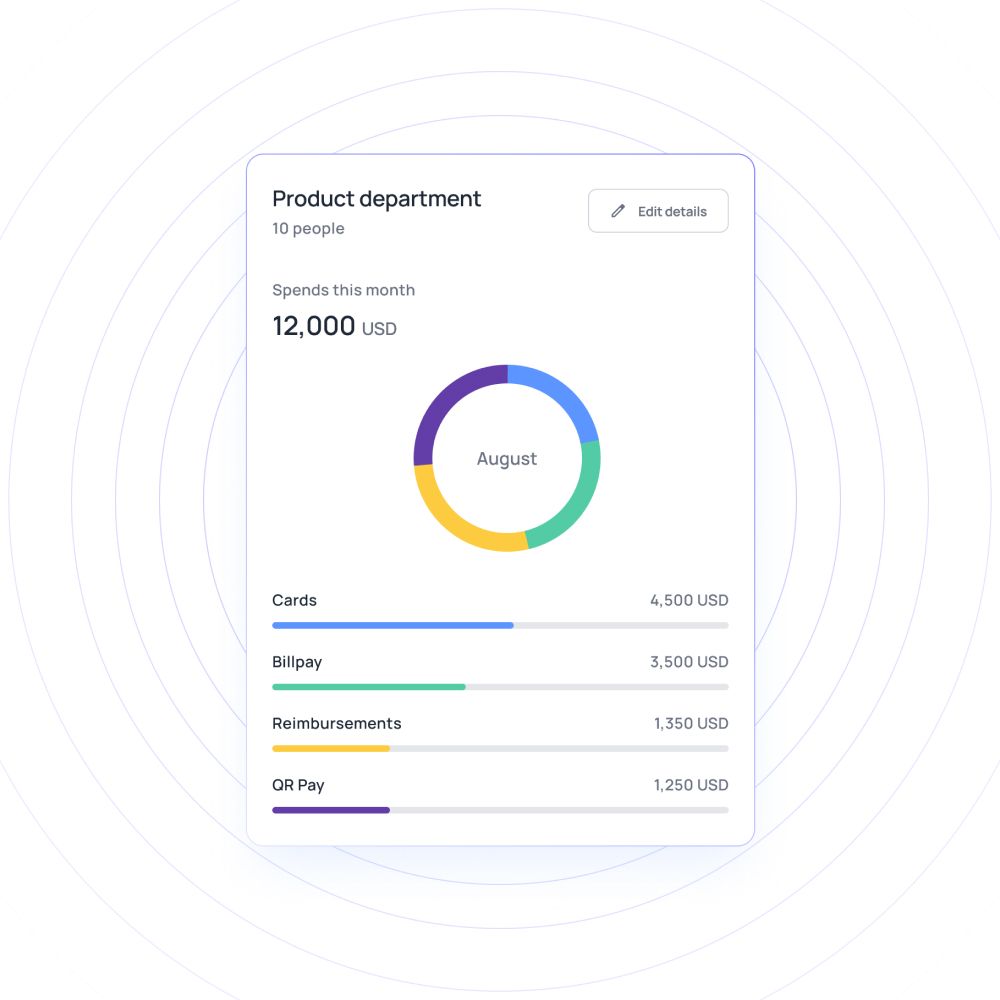
Make the most of early payment discounts to improve business cash flow by setting up early payment cycles with Volopay’s vendor invoice management software. This recurring payment system enables businesses to benefit from favorable payment terms and rewards for prompt payments.
Easily tailor and automate your payment schedules to align with your financial goals. Repeated timely payment helps build a positive reputation for the organisation wile nurturing stronger relationships with vendors.
Financial stack for business
No more switching between multiple bank accounts and tools to run your smart business. We have combined great software with every service you are using a bank for, to produce a state-of-the-art financial platform.
Empower your employees with physical and virtual cards
Manage and track every dollar that leaves your company
Open a global account with multi-currency payments
Manage vendors, approve invoices and automate payments
Save hours daily, and close your books faster every month
Integrate with the all the tools and software that you use daily
Efficient invoice matching with Volopay’s Magic Scan
Automated data extraction
Volopay’s magic scan utilizes advanced technology for automated data extraction, effortlessly capturing essential invoice details swiftly. This significantly minimizes manual entry, allowing teams to focus on more strategic tasks.
Accurate document matching
The vendor invoice management software features accurate document matching, ensuring that invoices align perfectly with their corresponding purchase orders. This reduces discrepancies and streamlines the approval process.
Error detection and alerts
Magic Scan incorporates robust error detection and alerts that promptly notify users of any mismatches or anomalies in the data. This proactive feature greatly enhances oversight, minimizing the risk of costly financial errors.
Seamless bulk submission
With seamless bulk submission, businesses can process multiple invoices simultaneously. This capability significantly streamlines workflows, saving valuable time and improving overall efficiency in vendor invoice management solution.
Why Volopay?
We have been consistently rated at the top as a leader in AP automation, expense management, and procurement by our customers.
We are committed to provide modern financial solutions to startups and enterprises with the best customer experience and smooth implementation across your organization ensuring compliance and productivity.







Learn more about Volopay
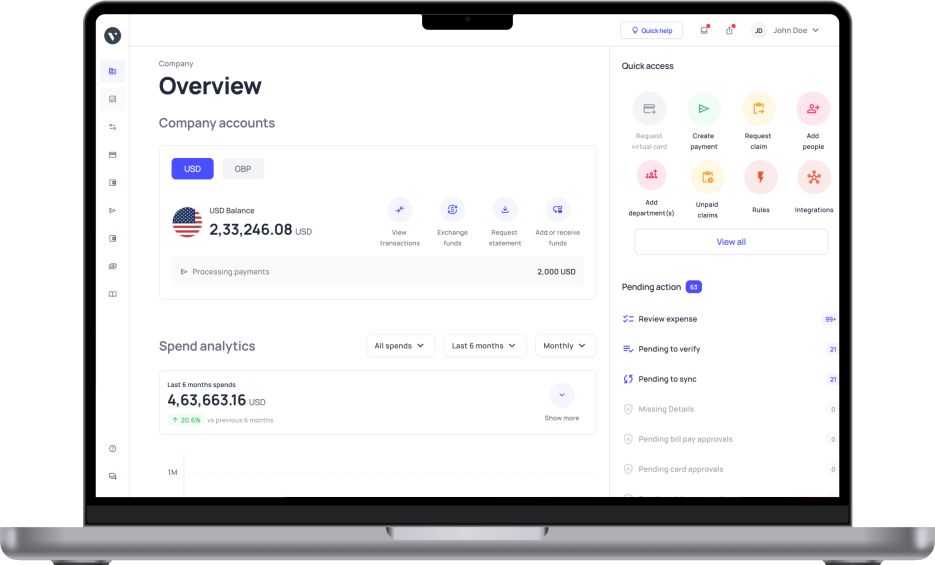
Volopay combines approvals, corporate cards, bill payments, expense reimbursements and accounting automation into one single platform.
Virtual cards
Volopay offers virtual cards that empower businesses to manage spending effectively. These cards can be issued instantly for specific purposes, allowing for enhanced control over expenses and improved security.
Vendor payouts
Volopay’s vendor invoice management software streamlines vendor payments with multi-currency capabilities and automated scheduling. Businesses can easily pay vendors worldwide in their preferred currencies, all through a unified AP automation platform, boosting efficiency and fostering stronger vendor relationships.
Multi-level approvals
With multi-level approvals, Volopay streamlines the expense approval process. This feature ensures that all transactions are vetted at different organizational levels, enhancing accountability and reducing the risk of fraud.
Automate accounting
Volopay’s vendor invoice management software is designed to automate accounting processes, integrating seamlessly with existing systems. This automation minimizes manual data entry, reduces errors, and accelerates financial reporting, providing businesses with real-time insights into their financial health.
Bring Volopay to your business
Get started now
FAQs
Volopay’s vendor invoice management system simplifies international vendor payments by providing a multi-currency platform that allows businesses to make payments in various currencies. This feature minimizes conversion fees and ensures compliance with local regulations. With automated processes, businesses can efficiently manage cross-border transactions, saving time and reducing errors in payment execution.
Yes, Volopay provides support for multi-level approval workflows, enabling organizations to establish tailored approval structures. This functionality guarantees that all expenditures and invoices undergo scrutiny and authorization across different levels of the organization. The adoption of multi-level approvals bolsters accountability and oversight, thereby mitigating the likelihood of unsanctioned or deceitful transactions.
Yes, Volopay's vendor invoice management solution reduces manual data entry, significantly lowering the chance of errors. Its automated capabilities, such as data extraction and error detection alerts, enable users to swiftly spot and correct any discrepancies. This efficient method not only increases the accuracy of invoicing but also boosts the overall efficiency of financial processes.
Yes, Volopay enables effective tracking of overdue payments. The supplier invoice management system offers real-time insights into pending invoices, which helps businesses to optimize cash flow management. With automated reminders and notifications for approaching due dates, it assists in securing timely payments and sustaining positive vendor relationships.
Yes, Volopay supports bulk invoice uploads, allowing businesses to process multiple invoices simultaneously. This invoice management feature significantly streamlines the invoicing workflow, saving time and reducing administrative burden. Users can easily upload various invoices, ensuring efficient management and quicker reconciliation of vendor payments within the system.
Volopay facilitates invoice reconciliation through the automated matching of invoices with purchase orders and payments. The vendor invoice management system flags discrepancies and provides real-time insights, enabling teams to resolve issues promptly. This streamlined process enhances accuracy and ensures that financial records are up-to-date and aligned, improving overall financial management.
Volopay’s vendor invoice management software offers a range of reporting options, including cash flow statements, summaries of vendor payments, and detailed expense reports. Users can generate custom reports tailored to specific criteria, providing critical insights into expenditure patterns and vendor efficiency.
Volopay efficiently handles duplicate invoices through its invoice management tool, which incorporates automated checks during the processing stage. When a duplicate invoice is detected, the tool flags it for further review, helping to prevent unauthorized or duplicate payments. This functionality ensures financial records remain accurate and reduces the risk of overpayment, ultimately enhancing control and streamlining the invoicing process.
Yes, Volopay streamlines the management of recurring invoices, offering a seamless invoice management software solution. It allows users to establish automated schedules for consistent payments, ensuring prompt processing without the need for manual intervention. This feature simplifies cash flow management, enabling businesses to maintain regular payment schedules while freeing up time for other crucial financial tasks.
Yes, Volopay’s vendor invoice management solution allows businesses to create custom payment workflows tailored to the unique needs of various departments. This flexibility enables organizations to define specific approval processes and hierarchies according to departmental requirements. By customizing workflows, companies can enhance efficiency and accountability while aligning financial procedures with operational objectives.