Power your receivables with automation
AI Finance Agents handle routine receivables work inside the rules and approval limits you define. Exceptions reach the right people with evidence attached.














Agentic execution across every AR handoff
Billing readiness
Agents check commercial terms, customer details, configured VAT information, POs, and required billing documents before an invoice progresses. Missing inputs trigger a defined resolution path.
Collections prioritization
Agents assess account history, promises, disputes, and current customer state before selecting the next collection action. Playbooks can reflect customer-specific timing, language, and escalation rules.
Cash allocation
Payments move against supported invoice allocations using remittance, account context, and current balances. Residual uncertainty stays controlled.
Dispute routing
Short payments and deductions become structured cases with evidence, ownership, and approval paths attached from the start.
Policy-bound agent actions
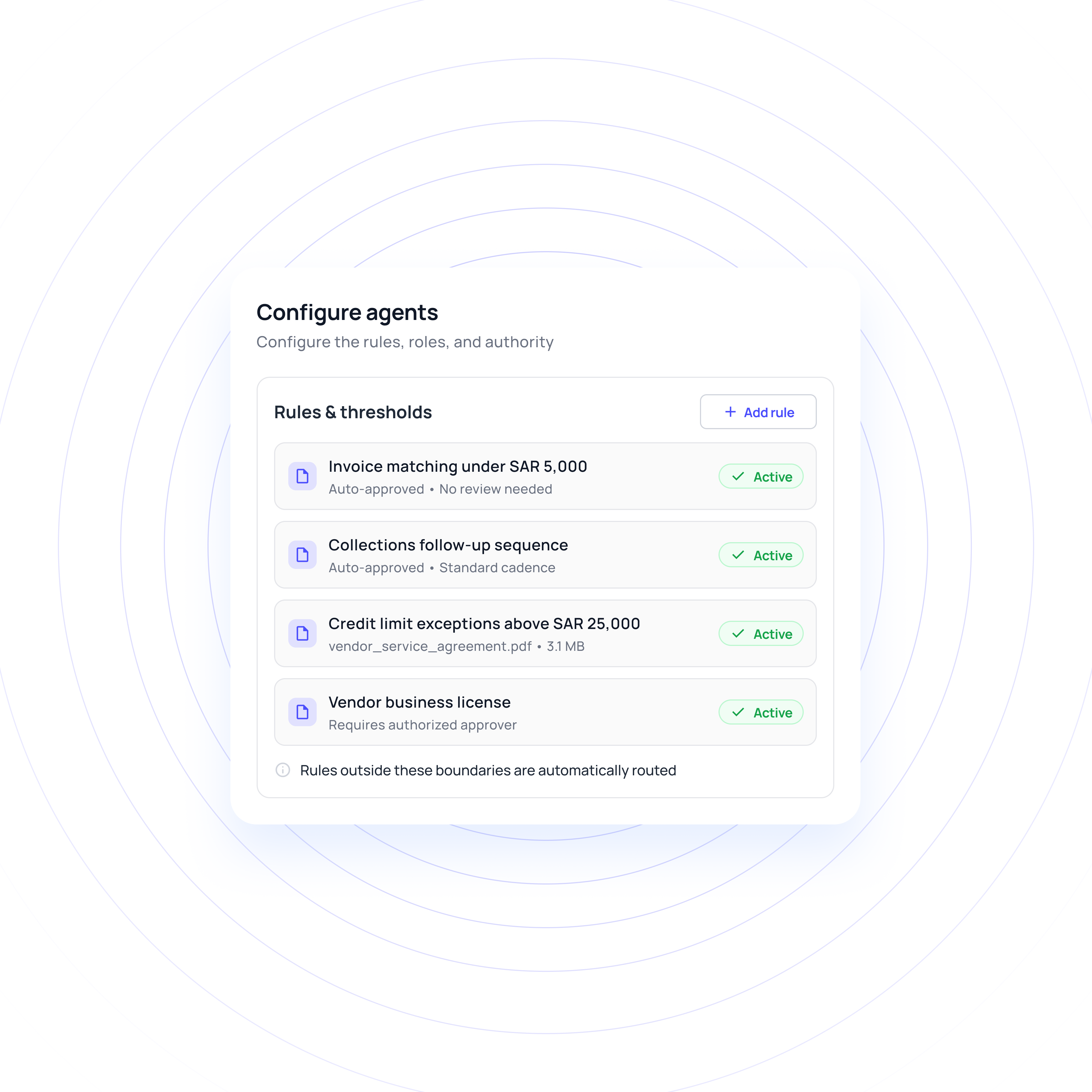
Finance defines which actions can run automatically, which need approval, and which should stop. Natural-language instructions can support the workflow, but they do not override structured approval limits.
Shared receivable state
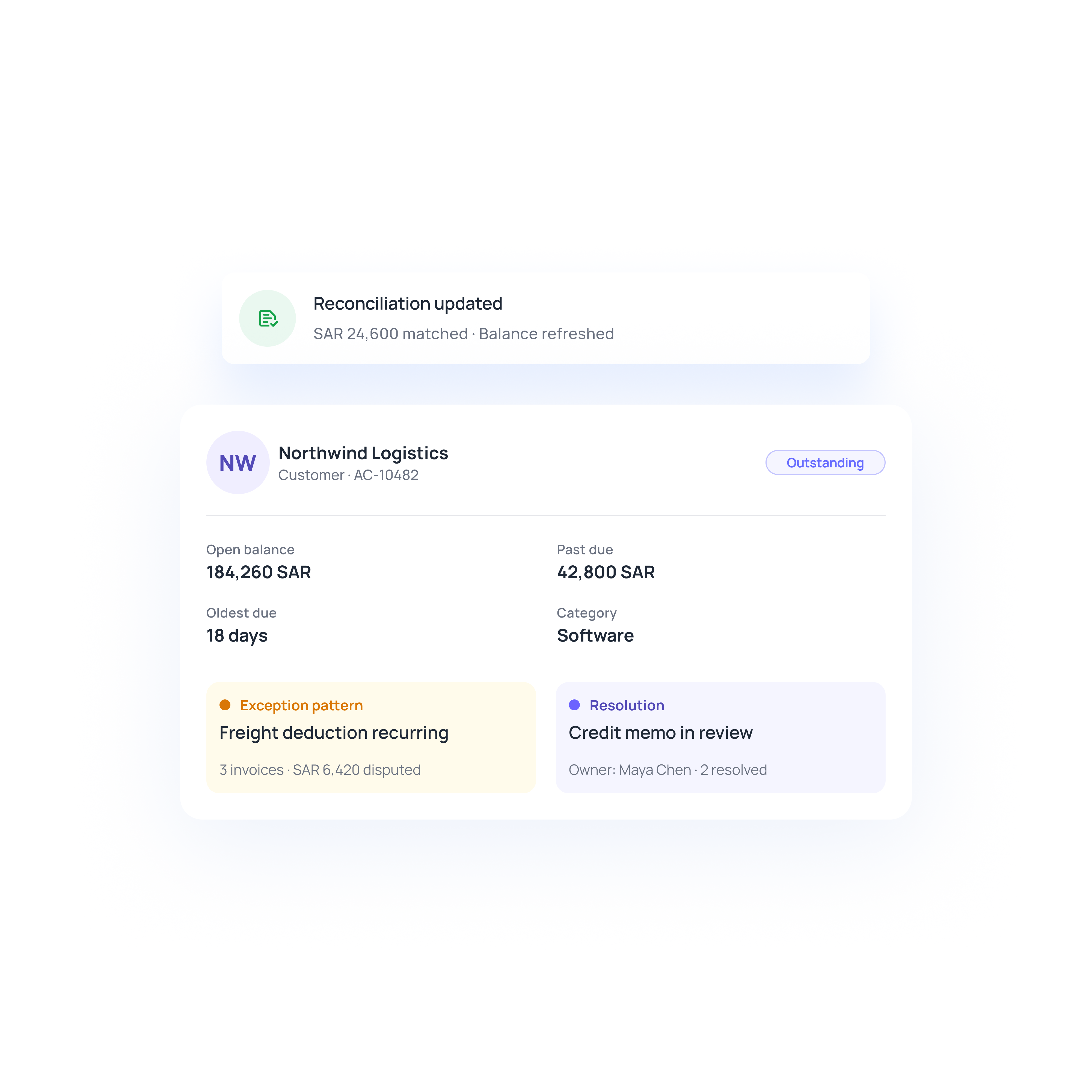
Keep customer context, open amounts, commitments, disputes, payment activity, and supporting evidence connected across the receivable. Agents use the same state as work moves between billing, collections, disputes, and cash application.
System-of-record alignment
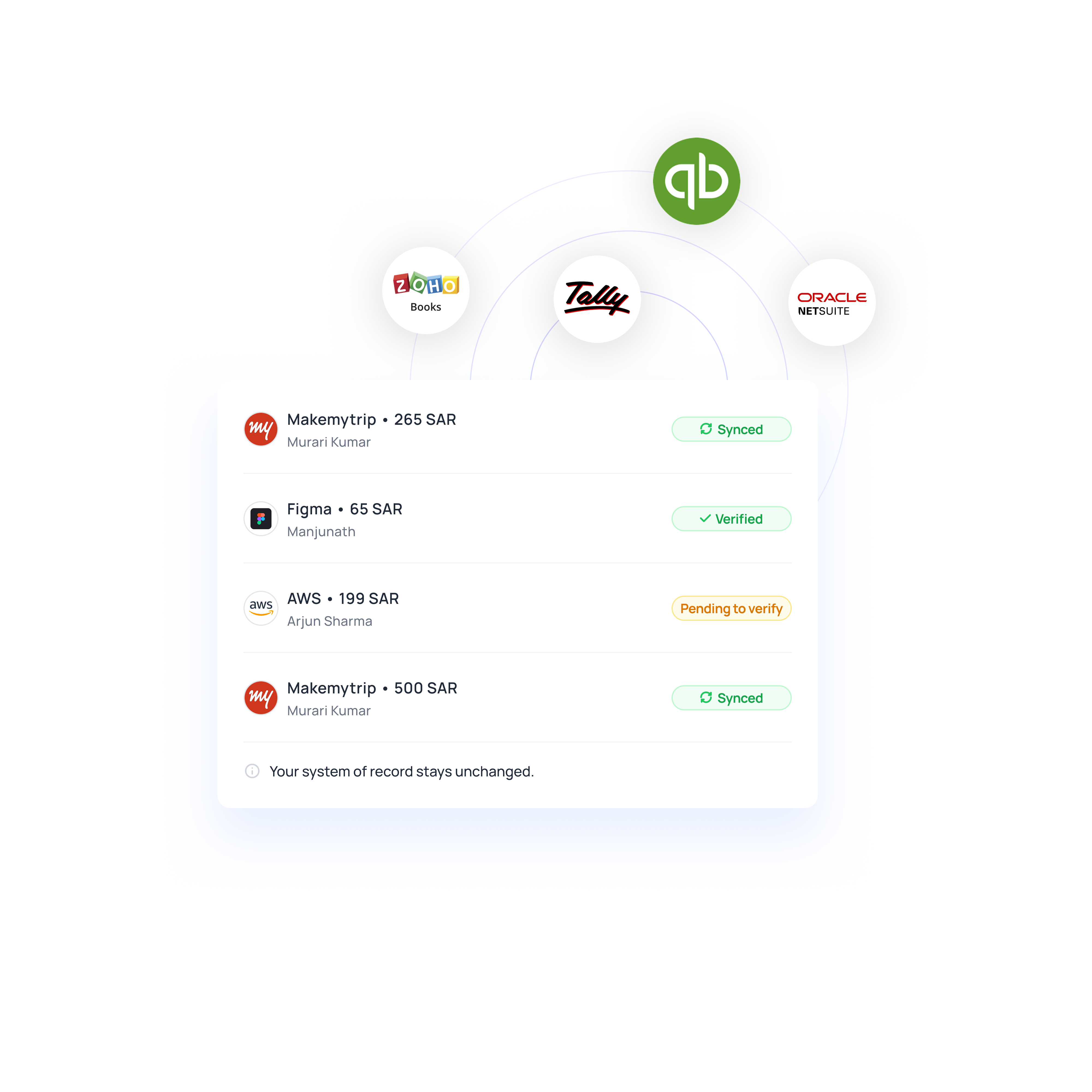
Volopay can operate across ERP, banking, CRM, billing, and communication systems with ownership defined for each object. Approved actions can then be synchronized back to the appropriate system.
Turn complex receivables into seamless workflows
Deploy with evidence, expand with proof
Workflow-scoped configuration
Start with a defined AR workflow, customer segment, or process boundary. Systems, approval rules, communication policies, and accounting requirements are mapped before automation is activated.
Historical case replay and validation
Test configured behavior against representative past cases before production use. Routine scenarios, exceptions, and downstream ERP outcomes can be reviewed against the expected result.
Review-mode launch
New actions can begin in review mode before automatic execution is enabled. Finance teams can inspect agent outputs, ownership paths, and downstream results during the initial rollout.
Baseline-led expansion
Measure billing lead time, manual touch time, exception cycles, receipt-to-application time, and posting failures against the existing baseline before expanding scope.
Automation for the hard parts of AR
Large customer books can span different procurement processes, payment terms, and communication preferences. Volopay agents assess payment history, open commitments, disputes, and current account context before selecting the next permitted collection action.
Saudi businesses may collect in SAR while also receiving payments in other currencies. Volopay brings receipt data, remittance, account history, and policy together to support allocation while keeping residual differences visible for review.
Short payments may reflect a commercial deduction, VAT-related billing query, fee, or another payment difference. Keep the affected receivable, evidence, owner, and resolution path connected while finance decides the appropriate treatment.
Why go the Volopay way?
Manual/legacy AR | The Volopay approach |
|---|---|
Collection priority depends on static aging views and analyst judgment | Agents assess payment history, commitments, disputes, and current account state before progressing the next permitted action |
Payment and remittance context is reconstructed across separate sources | Receipt data, remittance, account history, and policy are brought together to support allocation. Unresolved differences remain visible for review |
Disputes move between teams with evidence and ownership split across systems | Cases stay linked to the receivable, supporting evidence, approvals, and the resulting accounting action |
ERP, banking, CRM, and communication systems are checked independently | Volopay coordinates the relevant context and approved actions across connected systems, with object ownership defined by workflow |
Automation expands before teams have enough evidence on workflow performance | Deployment can start in review mode, use historical-case testing, and expand after results are compared against the existing operating baseline |
They loved Volopay, you will too
FAQs
Volopay supports permitted work across billing, collections, disputes, and cash application. AI Finance Agents request missing information, progress routine actions, and coordinate next steps while finance retains authority over approvals, exceptions, and commercial judgement.
Yes. Agents can prioritise eligible receivables using account history, payment commitments, disputes, and current context. Teams can configure timing, language, and escalation rules by customer or segment, while holds, active conversations, and new receipts can change the next action.
Volopay combines receipt data, remittance, account history, and policy to support invoice allocation. It moves supported cash forward, keeps unresolved differences under review, and verifies the resulting balances in the accounting system.
Volopay detects dispute signals, classifies the issue, gathers supporting evidence, and routes the case through the appropriate approval path. A VAT-related invoice query, commercial deduction, or other contested amount can follow its own workflow while eligible undisputed balances continue through collection and application.
No. Volopay is designed to coordinate work across connected ERP, banking, CRM, billing, and communication systems. Each deployment defines system ownership, permitted actions, and synchronization scope so existing financial systems can remain authoritative for the records they control.
Volopay uses AI Finance Agents within defined operating boundaries. Finance can configure actions to run automatically, require review, or stop for escalation based on factors such as evidence, confidence, amount, customer segment, and action type.
Bring Volopay to your business
Get started now