One virtual card for every way you spend
Set a spending limit on every card before the first charge, code each expense to its own budget, and earn cashback with Volopay virtual corporate cards.










Spend smarter, without the overhead
Create virtual cards for different spending needs
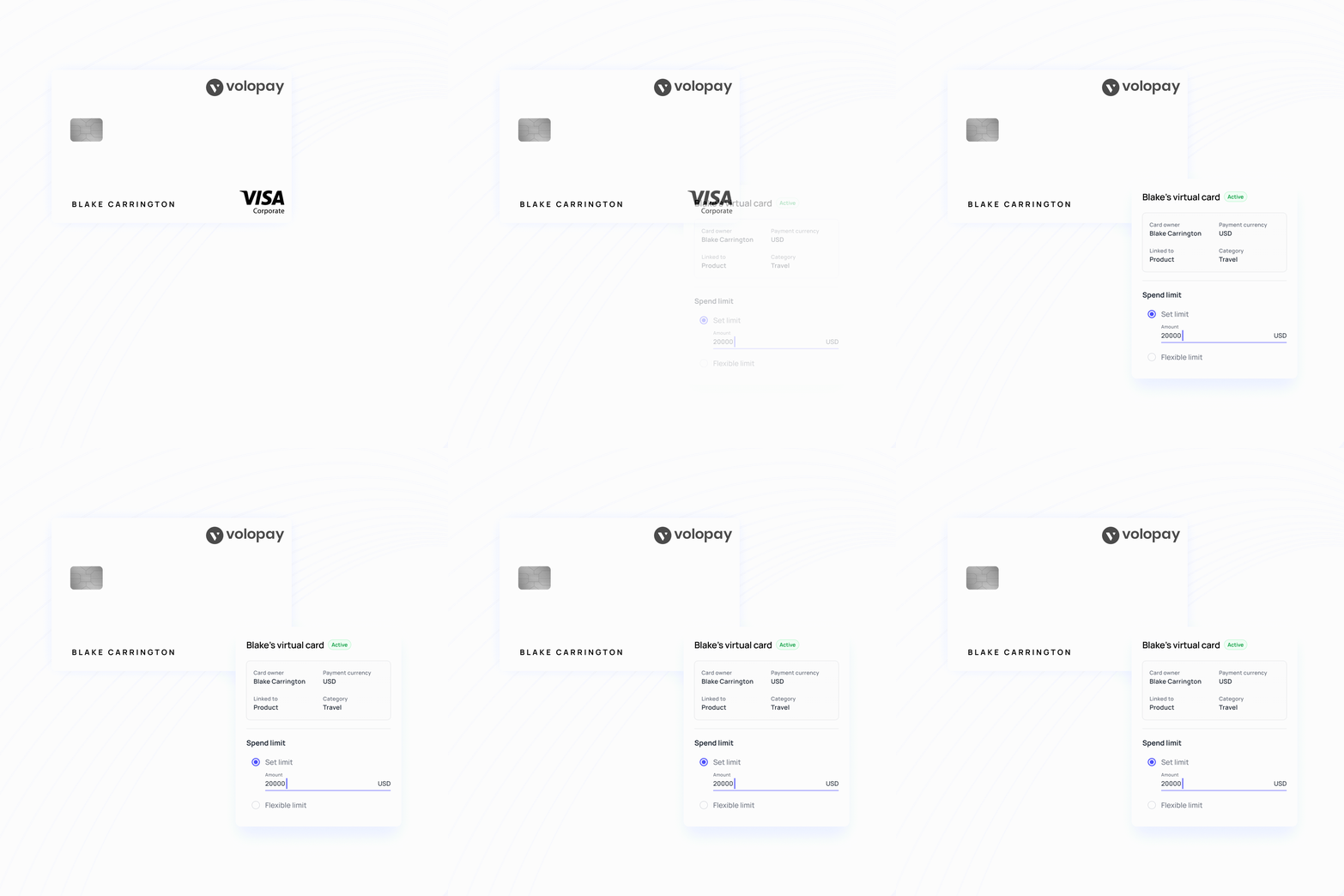
Set spending limits and policies for each card, so every purchase stays within the budget you've approved.
Add cards without adding extra seat costs
Issue multiple virtual cards for your team without per-seat fees, with pricing based on your card spending.
Earn money back on what you spend
Eligible card spending earns cashback, paid directly to your company.
Works with the accounting stack you already run
Transactions sync to QuickBooks, NetSuite, Xero, Zoho Books, and MYOB, carrying the category, department, and project they were coded to.
Shared virtual card for spend across your team
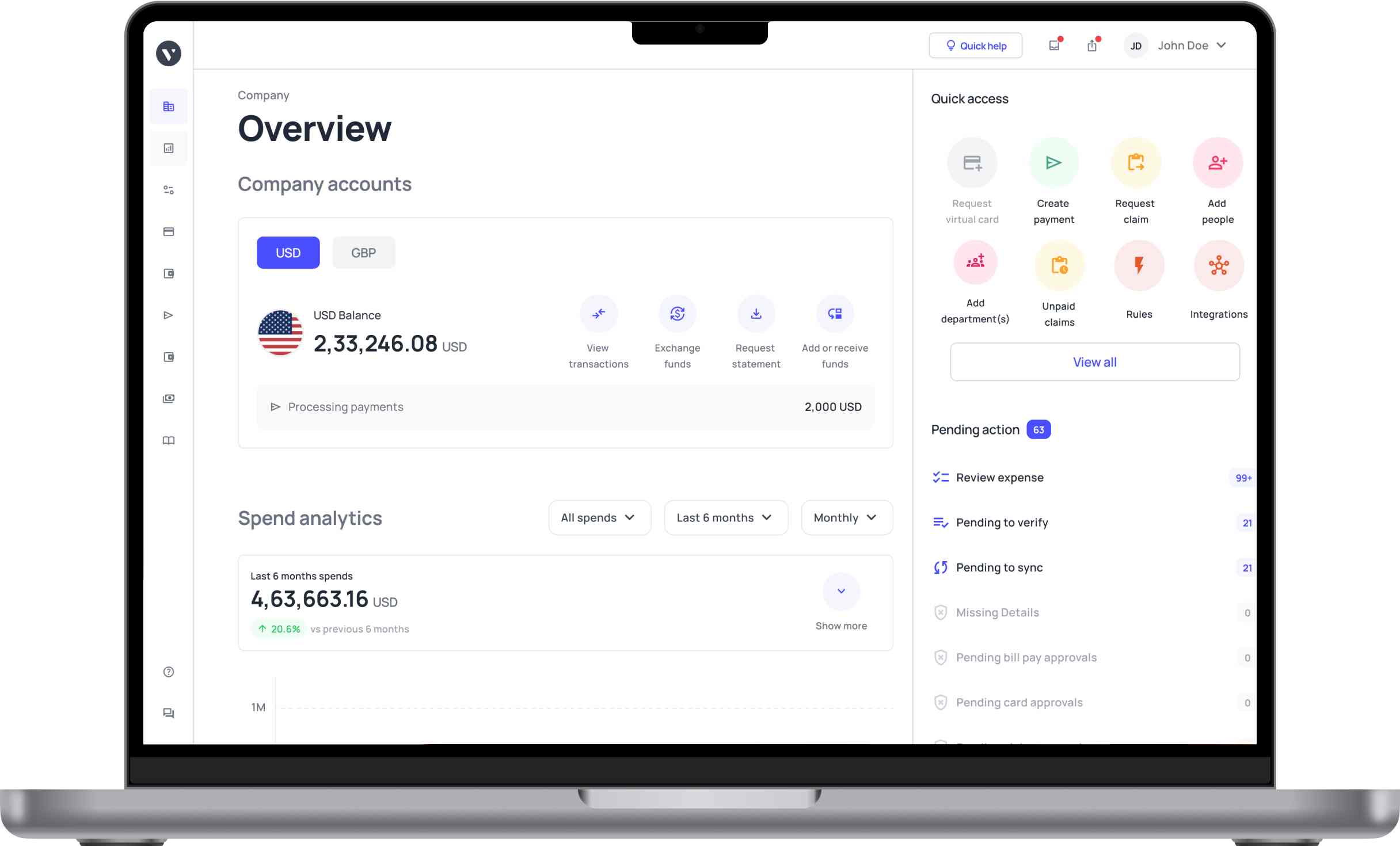
Put up to three people from the same department or project on a single virtual card with one shared limit. Everyone can transact, everyone sees each charge, and everyone gets notified the moment the card is used. You can swap the secondary holders anytime the team changes.
Every charge codes itself to the right budget
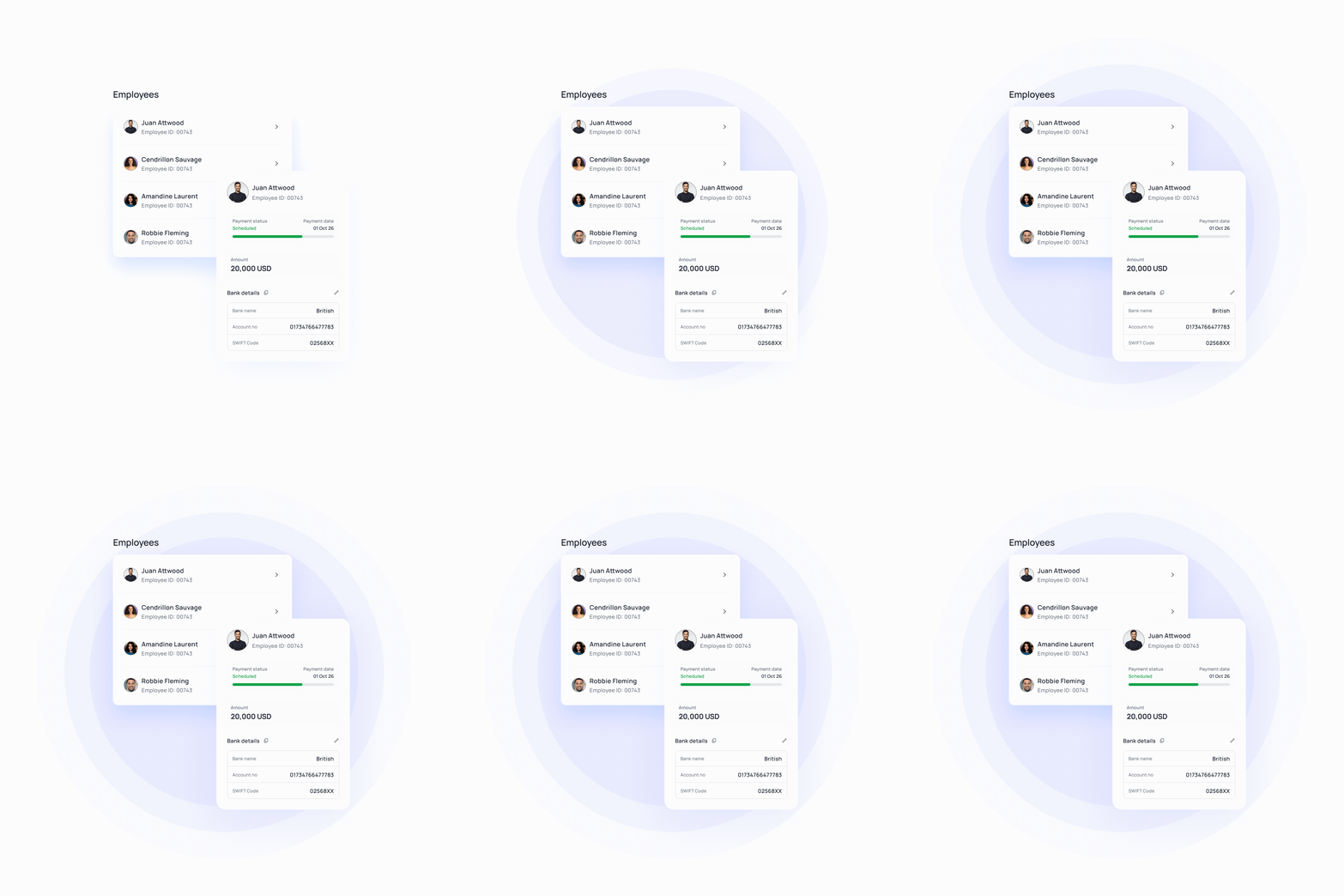
Link a virtual card to a department or project and each charge lands already coded to the budget it belongs to, so no one rebuilds it later. When someone moves teams, their cards move with them, still live and still funded, so there are no numbers to reissue.
Issue virtual cards for multi-currency spending
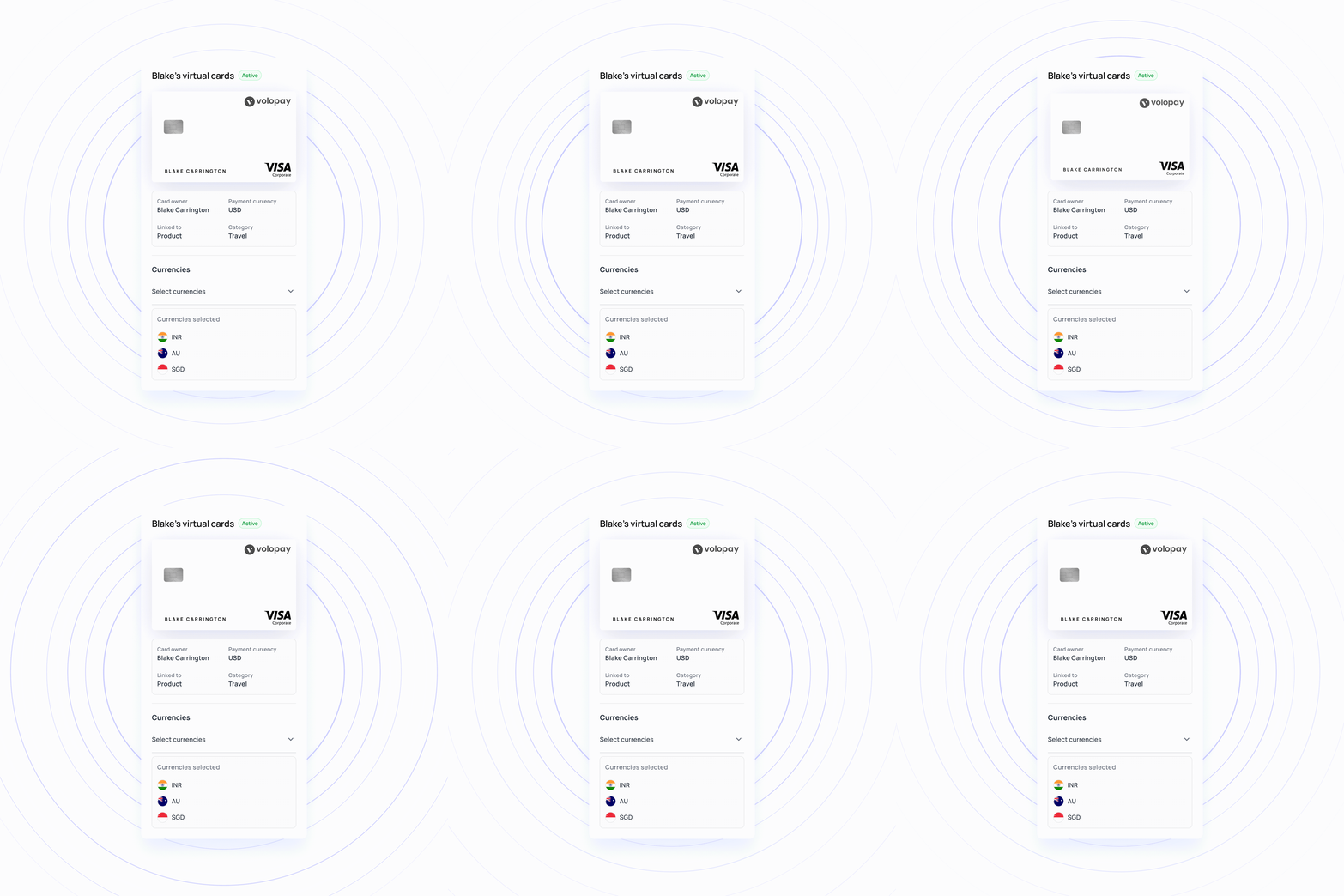
Use Volopay virtual cards for international spending in the currency that fits your business needs. You can use a home-currency card for flexible multi-currency spending or issue a foreign-currency-specific card for dedicated transactions.
Perfect virtual card solution for your business!
Controls, visibility, and exports on every virtual prepaid card
See every charge as it clears
Each card is tied to your account from the moment it is created, so a purchase lands on the dashboard as it happens. Open any card to see what it has spent and how much of its limit is left. You can issue, freeze, and top up virtual cards via the iOS and Android apps, so no one needs to be at a desk to unblock someone.
Approve the merchant before the charge
Greenlight the merchants a card is allowed to pay and block the ones it is not. Corporate virtual cards can be locked to a single vendor or a single merchant category, which turns a recurring charge into something you authorized rather than something you discover.
Single-use cards for one-time buys
Issue a virtual corporate card for a single charge, set it to retire itself afterwards, and the number will be worth nothing to anyone who copies it later. You can also deactivate any card on the spot, stopping it before the next charge attempt.
Analytics and exports on demand
Analytics breaks spending down by card, department, project, and category as transactions clear, with the timeline set to daily, weekly, or monthly. Split a single charge across several cost centers when one purchase covered four things, and export whatever screen you are looking at to CSV without asking anyone.
Five ways teams use virtual cards
Give Google Ads, Meta, and LinkedIn a virtual prepaid card each so a runaway bid on one platform cannot reach the budget of another. Each card sits against its channel budget, and spend appears in business budgeting dashboards as it clears.
Give each tool its own virtual card and set a spending limit that matches the approved subscription cost. When you cancel a tool or end a trial, block the card to prevent future charges, while keeping every recurring payment visible through subscription management.
Virtual company cards give each supplier a dedicated number with a limit that matches what you agreed to pay them, so any overcharge is declined rather than disputed. Larger invoices still run through vendor payments on the same platform.
Issue a virtual corporate card for a specific trip with a one-time limit and an auto-block date on the return flight. Flights, hotels, and ground transport all sit against that trip instead of against a personal card and a claim form six weeks later. Details land in expense management as they happen.
A new hire in another time zone can get a working virtual card the day they start, with no shipping address and no waiting. Their spending is captured in expense management as it happens.
Manual card management versus Volopay virtual cards for business
Situations | One company card shared everywhere | Personal cards and reimbursements | Volopay virtual cards |
|---|---|---|---|
Cards available | One number, used by everyone | One per employee, none of them yours | Unlimited, one per vendor |
When a vendor overcharges | It clears, and you dispute it later | It clears, and the employee absorbs it first | It declines at the limit you set |
When a number leaks | Every vendor you pay is exposed | The employee's own account is exposed | One card, blocked in a click |
Cancelling a subscription | Update the card on file across nine services | Chase whoever signed up for it | Block that card, nothing else moves |
When you see the spend | On next month's statement | When the claim is filed, if it is | As the charge clears |
What it earns back | Whatever the bank offers the account | Points on someone's personal card | Cashback that goes to the company |
They loved Volopay, you will too
Results from teams running business virtual cards on Volopay

A US mental health practice with no way to see which subscriptions were still live. Volopay gave them a card per subscription, locked to the vendor and frozen when the tool goes, plus virtual cards for one-off spend.
Results:
●Over $50K saved a year.
●Refunds 60% faster.
●Reconciliation 85% quicker.

At this US consultancy, billable and non-billable spend shared cards. Volopay tagged every card to a project and a client, and moved consultant payouts onto multi-currency wallets.
Results:
● Non-billable leakage down 20%
● Payment delays down 80%
● Margins up 10 to 15%

Crews at this Washington contractor ran on petty cash. Volopay issued department cards with merchant limits, routed every request through approvals, and captured receipts by photo.
Results:
● Audit prep 70% faster
● Overruns down 20 to 30%
● Close 3 to 5 days earlier
Connect virtual cards to accounting stack
Connect Volopay with the accounting and ERP tools your finance team already uses. Volopay automatically syncs transactions made through your virtual corporate cards, helping your team categorise expenses, reconcile payments and keep financial records up to date.
Connect with: Xero, QuickBooks, NetSuite, Zoho Books




Bring Volopay to your business
Get started now
FAQs
A virtual business debit card is a card number that exists only in software. It carries its own 16-digit number, expiry date, and CVV, and it draws on a funded business account rather than a credit line. Because the number is generated on demand, a company can run one card per vendor instead of one card for the whole company, and cancelling any single card leaves the rest untouched.
They carry less risk than plastic. A physical card that leaks exposes every charge on the account, while a virtual card is one number with one limit, often locked to one merchant, so a compromised vendor can't access anything else. Volopay is SOC 2 Type 2 and ISO 27001 certified, with PCI DSS-compliant card infrastructure, and you can freeze or block any card with a click.
No. Volopay virtual prepaid cards draw on funds you have already loaded into your account, so there is no credit line, no underwriting, and nothing reported. Corporate credit is launching in the US, and the waitlist is open now. Joining it involves no credit check.
Anything that bills you online and bills you again next month. Common uses include advertising platforms, software and SaaS subscriptions, cloud infrastructure, contractor payments, and one-off online purchases. A virtual card for business spend works best one vendor at a time, with a limit that matches the contract, because an overcharge then declines instead of arriving as a dispute.
Every limit is enforced at authorization rather than reviewed at close. A charge above the card's limit declines at the terminal, so the overrun never reaches your reconciliation. Cards carry their department and project from the moment they are issued, spend appears on the dashboard as it clears, and business virtual cards can be capped monthly with an automatic reset or once until expiry.
Yes. There is no cap on how many virtual cards you issue and no per-card fee, which is what makes unlimited virtual debit cards useful in practice rather than in theory. One person can hold as many as they need. Physical cards work differently: each person carries one.
Yes. Cards can be locked to a single vendor or merchant category, set to auto-block and retire automatically, and frozen or blocked instantly from the dashboard or mobile app. Once a card auto-blocks, it is permanently deactivated and cannot be brought back, which is the point. Every transaction leaves a full audit trail.
Yes, and it is the use most teams start with. Give each subscription its own card and its own monthly limit, and a vendor cannot charge more than you agreed or renew a plan you did not authorize. When you cancel the tool, block the card. Nothing else in your stack needs a new payment method.
Admins and card managers can issue a card, and the details are available immediately. When an employee raises the request themselves, it runs through your approval policy first, and the card generates as soon as it is approved, so how fast it arrives depends on the approval chain you built, not on us.
Yes. Set a limit that resets monthly or one that holds until the card expires, and change either at any time. Unspent limit does not carry into the next month. You can also cap by department and by project on top of the card limit, restrict merchant categories, and whitelist or blacklist specific vendors. A card linked to a department or project needs an assigned limit before it can transact.
Yes. Once a transaction is verified, it syncs to Xero, QuickBooks, NetSuite, Zoho Books, or MYOB with its category, department, project, and approval history attached. Sync errors are logged so you can retry the specific transaction rather than the batch.