11 Zoho alternatives for expense management
Zoho Expense is cheap and quick to set up, which is exactly why teams outgrow it. The breaking points are consistent: limited reporting, card sync that drops, a mobile app that lags, and no native corporate card, so real spend control only happens after the money is gone.
The ceiling arrives faster if you run multiple currencies, multiple entities, or a finance stack that isn't Zoho. We compared 11 Zoho Expense alternatives on features, pricing, and verified user ratings so you can match one to how your team actually spends.













REVIEWED BY

Akanksh Muniyappa
Head of Product
WRITTEN BY

Yashvi Tiwari
Content Writer
Quick summary of the best Zoho Expense alternatives
● Volopay: Best for global organizations & growing businesses
● Expensify: Best for simple expense tracking
● SAP Concur: Best for enterprises
● Divvy: Best for budgeting + corporate cards
● Ramp: Best for automation and cost savings
● Brex: Best for startups and high-growth companies
● Webexpenses: Best for Small to mid-sized businesses.
● Bento for Business: Best for card-based spend control
● Airbase: Best for mid-sized companies with complex workflows
● Payhawk: Best overall for multi-entity global businesses
● Rydoo: Best for travel expense management
| Tool | Best for | Ease of use | Approval workflows | Card sync | Feature paywalls | Support | Integrations | Global support |
|---|---|---|---|---|---|---|---|---|
Volopay | Global teams & growing businesses | |||||||
Expensify | Budget-conscious small businesses | Limited | Limited | Limited | ||||
SAP Concur | Large enterprises | Limited | Limited | |||||
Divvy | Mid-market teams with card focus | Limited | Limited | |||||
Ramp | Budget-conscious teams | Limited | Limited | |||||
Brex | Startups & high-growth companies | Limited | Limited | |||||
Webexpenses | Policy-driven mid-sized teams | Limited | Limited | |||||
Bento for Business | Small businesses & simple card teams | Limited | Limited | Limited | Limited | |||
Airbase | Unified cards + AP automation | Limited | Limited | |||||
Payhawk | Global & multi-entity companies | Limited | ||||||
Rydoo | Travel-heavy & international teams | Limited | Limited |
Get your team working with Volopay
Best overall
1. Payhawk
Best for: Businesses that need an all-in-one spend management solution combining corporate cards, expense management, and accounts payable in a single platform.
Solutions: Global enterprises, SaaS companies, fintech, logistics, and organizations with complex financial structures.
Integrations: NetSuite, SAP, Microsoft Dynamics, QuickBooks, Xero, and other ERP and accounting systems.
Pricing: Payhawk uses custom pricing based on modules, users, and volume. Plans start at around $149 to $449 per month and scale up for larger teams.
Best for startups and high-growth companies
2. Brex
Best for: VC-backed startups, tech companies, and high-growth businesses scaling quickly.
Solutions: Technology startups, SaaS companies, venture-funded businesses, and global scaling teams.
Integrations: QuickBooks, Xero, NetSuite, Sage Intacct, ERP systems, and many SaaS tools.
Pricing:
● Essentials: Free (basic cards and expense tracking)
● Premium: Starts at around $12 per user per month
● Enterprise: Custom pricing for large organizations
Best for enterprises
3 SAP Concur
Best for: Large enterprises and multinational corporations that need strong compliance, global travel and expense management, deep ERP integration, and advanced audit tools.
Solutions: Manufacturing, healthcare, financial services, energy, government, professional services, and large organizations with complex multi-entity and multi-currency needs.
Integrations: SAP S/4HANA, Oracle, Workday, NetSuite, Microsoft Dynamics, major credit card providers, HRIS systems, and 300-plus pre-built connectors.
Pricing: Custom enterprise pricing. The Automate module starts at around $9 per report. Full suites are quoted per user or annual contract.
4. Airbase
Best for: Mid-market to enterprise companies with 100 to 5,000 employees that need a unified platform for corporate cards, expense management, AP automation, and procurement.
Solutions: Tech, SaaS, professional services, manufacturing, healthcare, e-commerce, and mid-to-large organizations managing complex vendor payments, employee expenses, and procurement.
Integrations: QuickBooks Online, Xero, NetSuite, Sage Intacct, Workday, Slack, Salesforce, Google Workspace, Microsoft Teams, and more.
Pricing: Airbase offers custom pricing across Explore, Grow, and Accelerate plans. Costs vary based on company size, modules used, location, and complexity.
Best for small business
5. Expensify
Best for: Small businesses, startups, and teams that want simple, mobile-first expense tracking with minimal setup.
Solutions: Professional services, consulting, retail, marketing agencies, and small teams with frequent travel or many receipts.
Integrations: QuickBooks, Xero, NetSuite, Sage Intacct, Gusto, Workday, ADP, Uber, Lyft, and 45 plus other accounting, HR, and travel apps.
Pricing: Expensify starts at $5 per user per month on the Collect plan. The Control plan costs between $9 and $18 per active user per month, depending on features, approval needs, and whether the Expensify Card is used.
6. Bento for Business
Best for: Small to medium businesses that want strong spending controls through prepaid corporate cards without the complexity of traditional credit lines.
Solutions: Construction, field services, fleets, non-profits, startups, professional services, and any SMB needing tight control over employee spending.
Integrations: QuickBooks Online, Xero, and major accounting software for smooth transaction sync.
Pricing: Bento for Business starts at $29 per month. Higher plans cost more based on the number of users, cards, and features your business needs.
Best for global companies
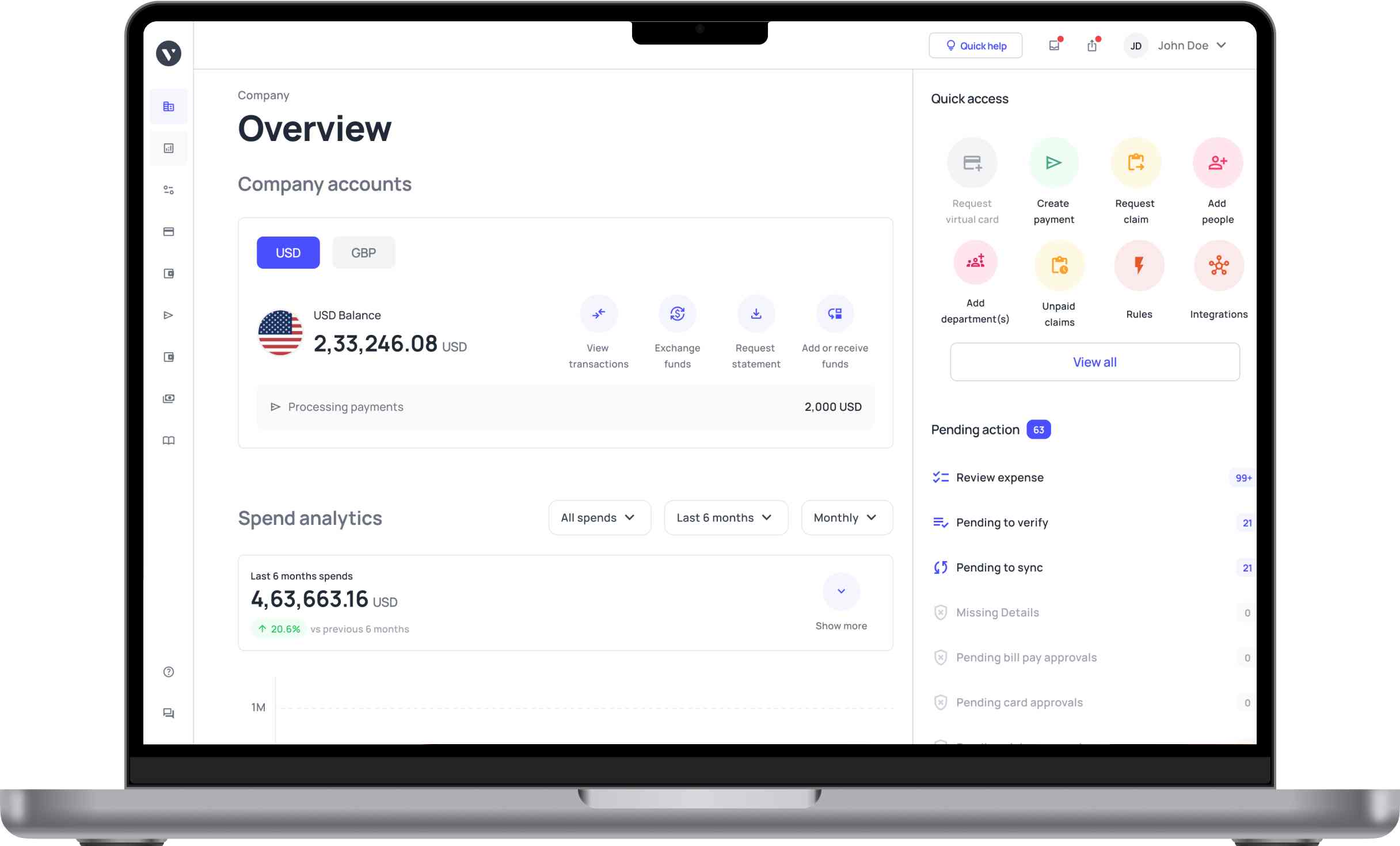
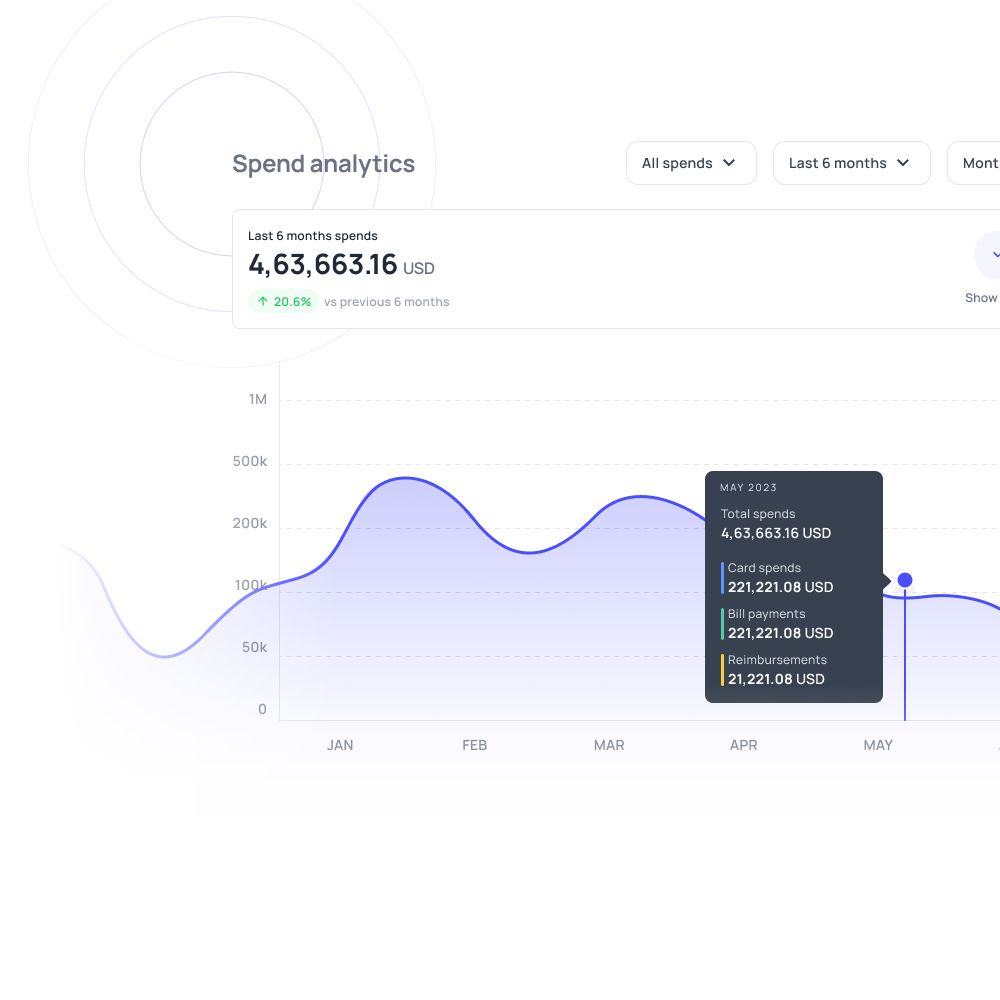
7. Volopay
Best for: Growing SMEs and businesses operating across multiple countries that need unified expense, card, and payment management with multi-currency support.
Solutions: Built for finance teams, procurement, and operations, managing global workflows. It fits startups, professional services, e-commerce, and companies with international vendor payments or cross-border travel expenses.
Integrations: QuickBooks, Xero, NetSuite, MYOB, Tally, and more.
Best for travel expense management
8. Rydoo
Best for: Businesses with frequent employee travel, such as consulting firms, sales teams, and global service companies.
Solutions: Consulting, professional services, construction, logistics, and companies managing cross-border travel expenses.
Integrations: NetSuite, Microsoft Dynamics, Xero, SAP, and other ERP and accounting systems.
Pricing:
● Team Plan: Around $6 to $7 per user per month
● Growth Plan: Around $8 to $9 per user per month
● Enterprise Plan: Custom pricing for large organizations
Best For SMBs
9. Divvy
Best for: Small and medium-sized businesses that want simple expense control, budgeting, and corporate cards without upfront costs.
Solutions: SMBs, accounting firms, marketing teams, nonprofits, and finance teams managing day-to-day expenses and budgets.
Integrations: QuickBooks, Xero, Sage Intacct, NetSuite, and other accounting and ERP tools.
Pricing:
● Free Plan: $0 per month with corporate cards, expense tracking, and budgeting
● Paid Plans: Starting at around $45 per user per month for AP and AR features
● Custom plans available for larger businesses
10. Webexpenses
Best for: Small to mid-sized businesses and growing companies that need structured expense control with strong compliance and reporting.
Solutions: Consulting firms, construction companies, sales teams, finance teams, and businesses with distributed employees or frequent travel.
Integrations: NetSuite, SAP, Microsoft Dynamics, Sage, and other ERP and accounting systems.
Pricing:
● Starts at around $8.50 to $12 per user per month
● Custom pricing available for larger organizations
● Free demo available
Best for budget-conscious teams
11. Ramp
Best for: Budget-conscious teams, startups, and growing businesses that want strong expense management and corporate cards with low or no platform fees.
Solutions: Technology startups, SaaS companies, eCommerce businesses, and finance teams focused on cost efficiency and automation.
Integrations: QuickBooks, Xero, NetSuite, Sage Intacct, and other ERP/accounting tools
Pricing:
● Free Plan: $0 per month
● Plus Plan: Around $15 per user per month
● Enterprise: Custom pricing
What is the best Zoho Expense alternative in 2026?
When choosing a Zoho alternative, businesses should consider factors such as expense management, accounting integrations, automation, corporate cards, reimbursements, pricing, and scalability.
The right platform will depend on the company’s size, existing finance stack, spending needs, and the level of flexibility and financial control the team requires.
How to choose the right Zoho Expense alternative for your business
Company size
A tool built for a five-person team will buckle under the weight of a fast-growing one. If your software can't keep up, you end up switching mid-growth, which is costly and disruptive. Think beyond where you are today. Small teams may only need basic features right now, but consider your needs over the next two to three years. Look for tools that offer scalable reporting, custom workflows, and policy controls if growth is on the horizon.
Budget
The cheapest tool isn't always the least expensive one. Hidden costs like time wasted on manual work or errors fixing bad data add up fast. Look past the sticker price. Free tiers can save money early on, but watch out for per-user fees and features locked behind higher plans. Factor in how quickly you plan to scale and what that growth will actually cost.
Features
Not every business needs the same things. Using a tool packed with features you don't need wastes time and money. Missing the ones you do need creates bigger problems. List your must-haves first. International businesses might need multi-currency support and low FX fees. Domestic teams may care more about mileage tracking and employee expense cards. Pick a tool built around what your team actually does.
Scalability
A tool built for 10 people may struggle with 100. Switching platforms mid-growth wastes time and money, and repeated overhauls slow your team down. When evaluating options, look for platforms that support multi-entity management and connect with ERP systems. Check if other growing businesses use it successfully. Pick one built to handle higher volume without needing constant fixes or upgrades.
Ease of use
A hard-to-use tool gets ignored, which means wasted money and slower workflows. Poor usability also increases training time, especially across teams in different locations. When choosing, look for clean interfaces and strong mobile apps that work for people with different skill levels. A tool your whole team can learn quickly delivers far more value than a powerful one nobody uses properly.
Support
Issues will come up, especially during setup or peak financial periods. Slow support can delay payments and disrupt daily operations. Good support stops small problems from growing into bigger ones. Look for tools that offer round-the-clock help through multiple channels like chat, email, and phone. Strong support matters most when your team does not have dedicated in-house technical staff available.
Integrations
A tool that doesn't connect to your existing software creates double the work. Your team ends up entering the same data twice, which wastes time and invites errors. Confirm the tool syncs with your accounting or ERP software before signing up. Look for two-way syncing so data moves automatically in both directions. Avoid tools that require manual exports or imports to keep systems up to date.
Security
Expense data contains sensitive financial information. In regulated industries, weak controls can lead to compliance failures, audits, or worse. Look for tools with full audit trails, duplicate entry detection, and automated policy enforcement. Features like automatic tax code entry and record-keeping reduce human error. Strong data controls are non-negotiable if you operate in a regulated space.
FAQs
Businesses look for Zoho Expense alternatives when they run into problems. Common issues include a hard setup, limited reporting, fewer integration options, and trouble scaling. These pain points push teams to compare Zoho Expense alternatives and competitors that offer more flexibility and a better fit.
Among the best alternatives to Zoho Expense for small businesses, Expensify and Volopay stand out. Both offer simple expense tracking, strong automation, and affordable pricing compared to other Zoho Expense alternatives and competitors.
Yes. Some alternatives to Zoho Expense come with free plans. Expensify and Ramp both offer free tiers. These are great options for startups and small teams that need basic expense tracking at no cost.
Some of the best alternatives to Zoho Expense for tracking include Expensify for simplicity and Volopay for all-in-one management. The right pick depends on whether you need ease of use or more advanced tools.
Among Zoho Expense alternatives and competitors, Ramp and Volopay lead in automation. Both offer real-time tracking, AI insights, and policy controls that cut manual work and speed up workflows.
Yes. Tools like Ramp offer free core plans. These alternatives to Zoho Expense are ideal for budget-conscious teams that need key features without high costs.
Most Zoho Expense alternatives and competitors integrate with ERP systems like QuickBooks, NetSuite, and SAP, ensuring smooth data syncing and making them reliable alternatives to Zoho Expense for finance teams managing workflows.