Bring your finance systems together
Volopay brings accounting, payment, and customer information into one receivables workflow. Give your finance team a clearer view of customer accounts and reduce the manual work involved in managing receivables.














The systems behind your receivables workflow
Accounting software and ERP systems
Connect accounting platforms to bring invoice details, customer balances, and payment updates into your receivables workflow.
Banking and payments
Bring bank and payment activity into view alongside open invoices and outstanding balances.
Customer communication channels
Connect email and messaging tools to keep customer correspondence accessible alongside account activity.
Customer portals
Track invoice submissions and their available statuses across supported customer portals. Keep pending actions and submission issues visible within your receivables workflow.
Connect invoice and accounting records
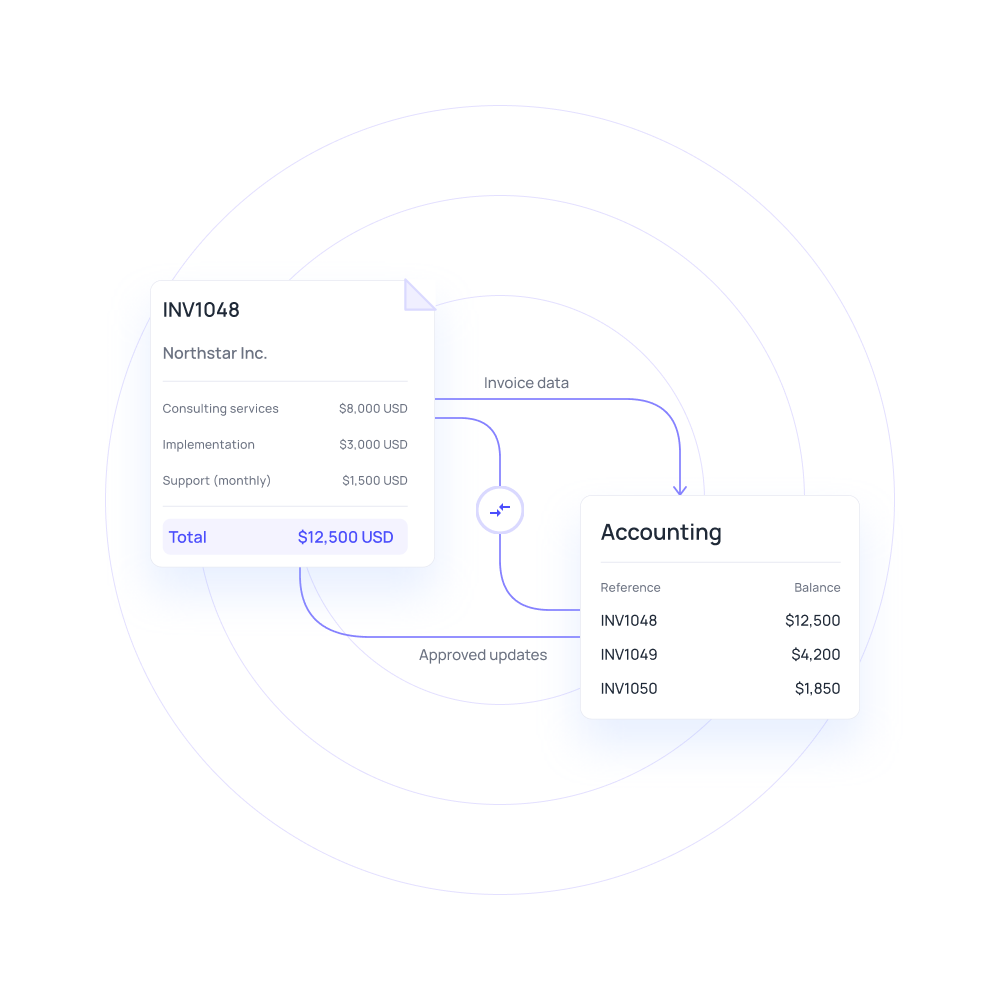
Bring invoice details and customer balances into Volopay, then return approved updates through supported accounting integrations. Teams can manage collections and payment matching without repeatedly entering the same information across applications.
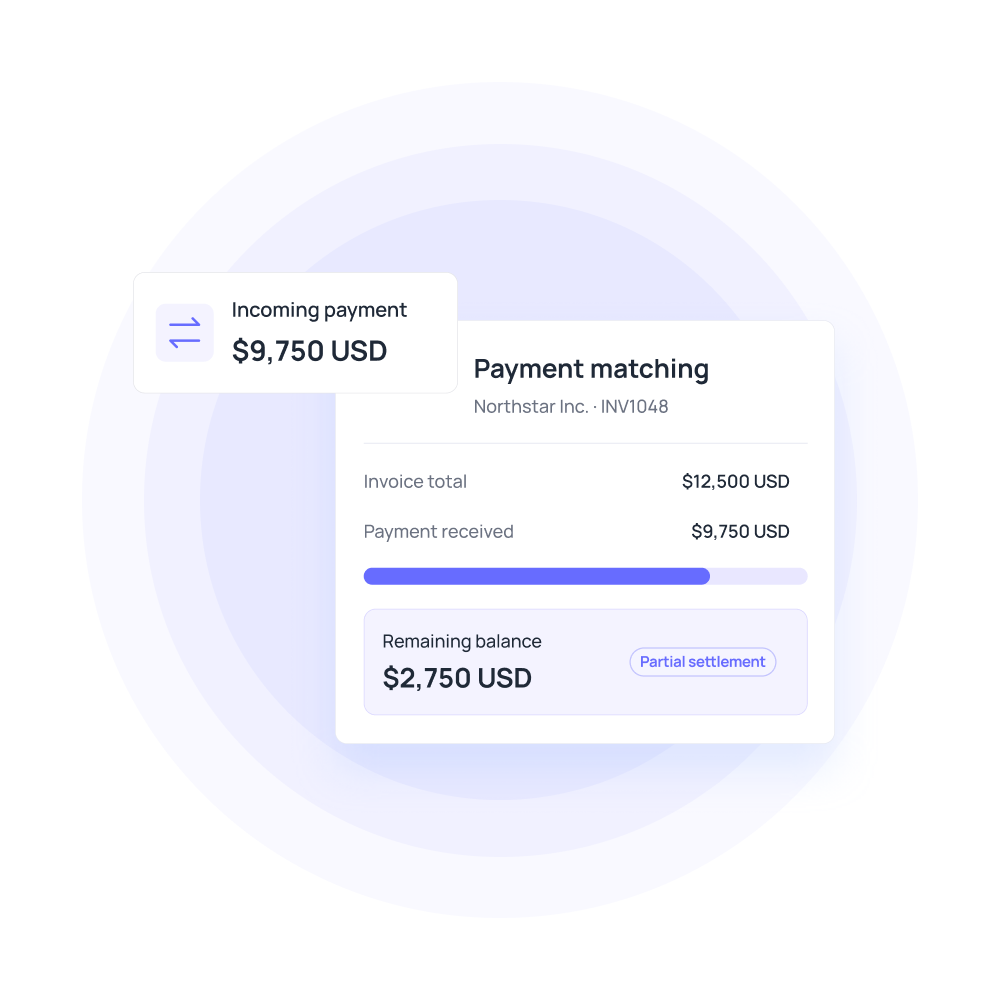
Match incoming payments
Bring bank transactions and payment information into the receivables workflow alongside open invoices. Finance teams can review payment activity, identify partial settlements, and understand which balances still need attention.
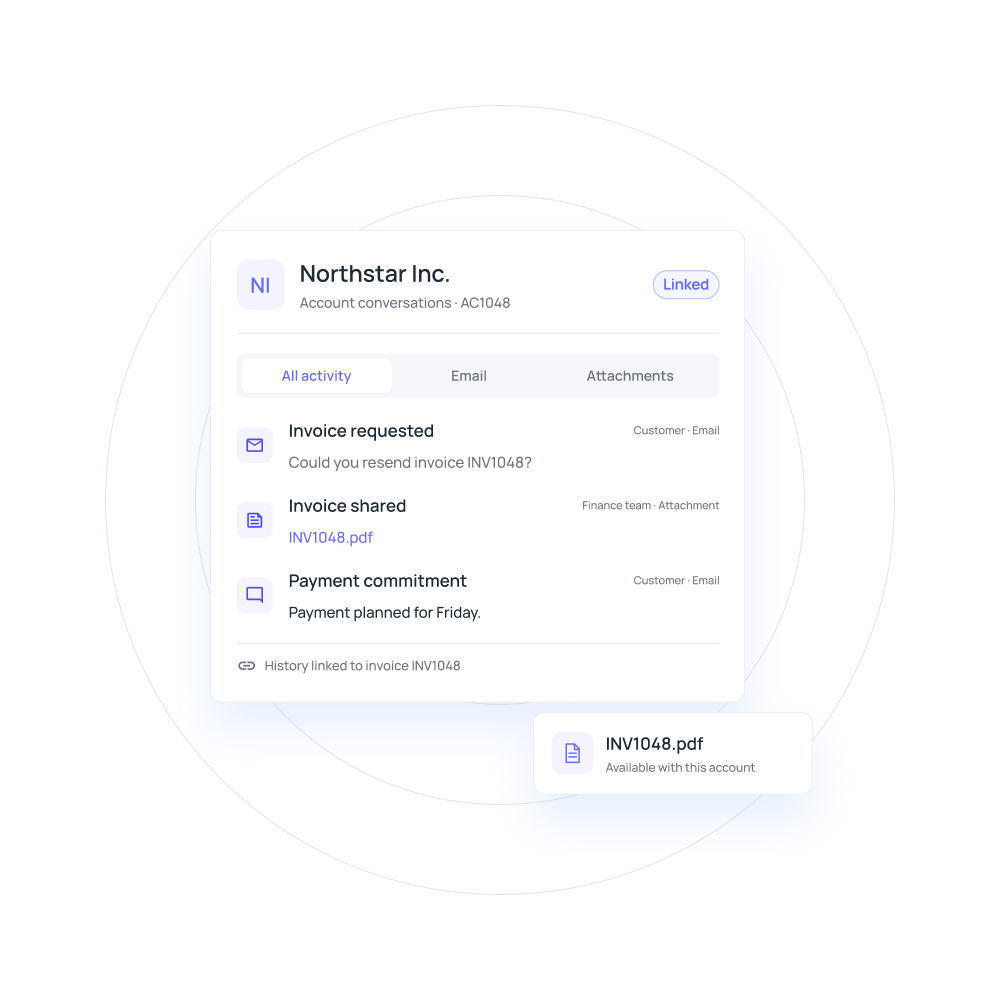
Keep conversations with each account
Connect the communication channels customers already use and associate their conversations with the relevant accounts. Invoice requests, payment commitments, and follow-up responses remain accessible, helping teams understand account history before taking the next step.
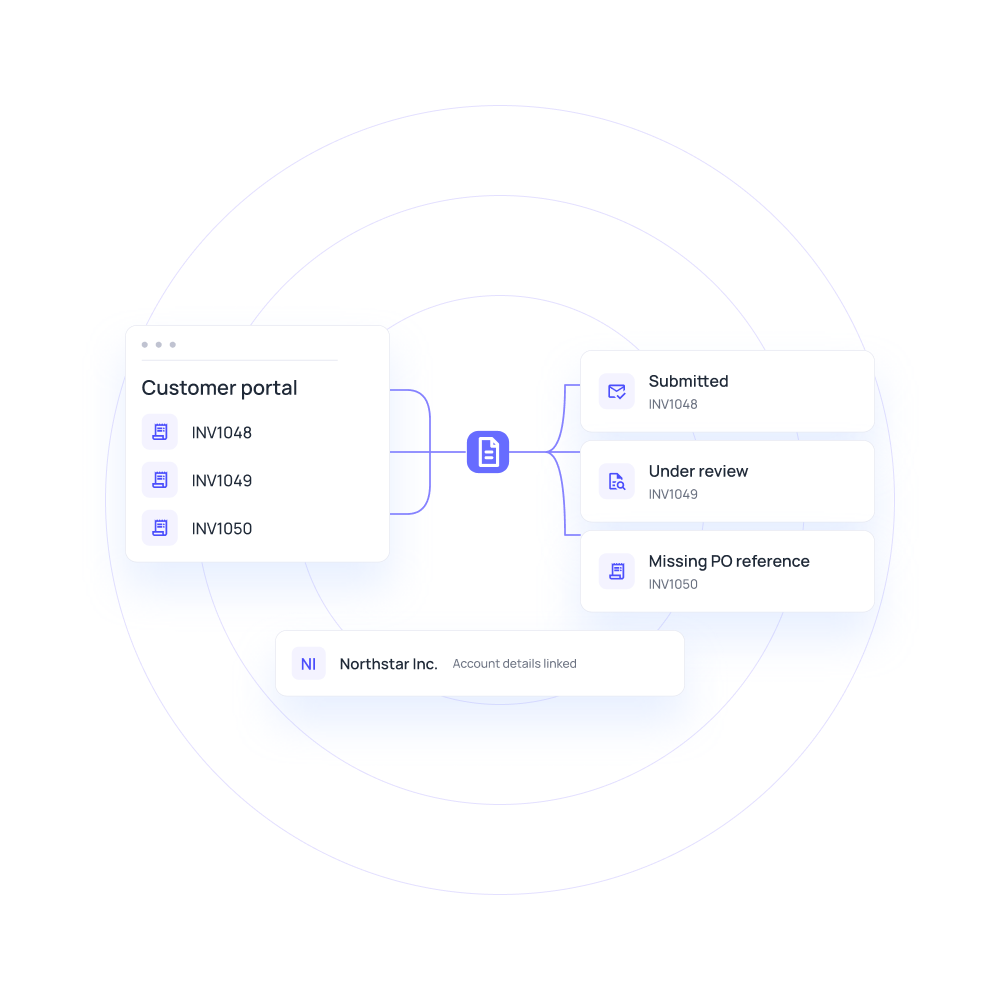
Track invoice submissions and status
Bring customer portal submissions and their status into the receivables process. Teams can monitor invoice progress, identify rejections and address missing information while keeping the associated account details accessible.
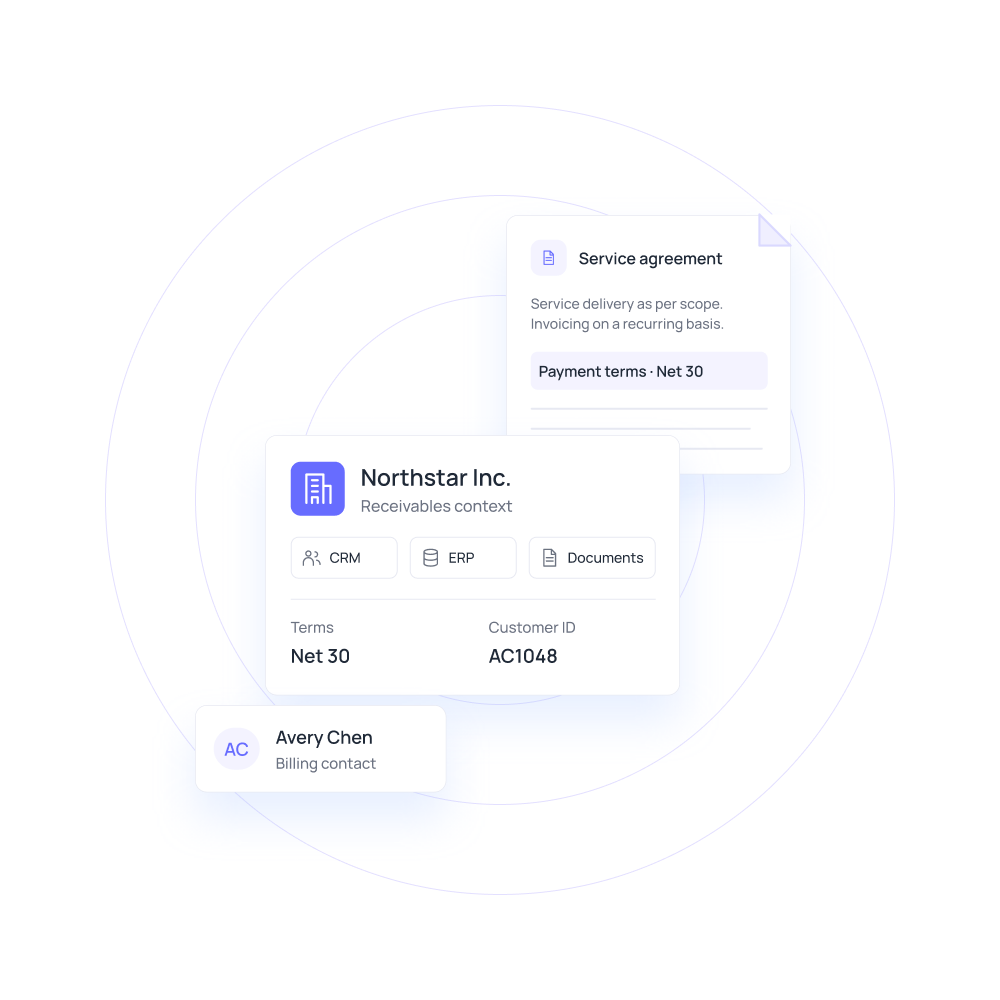
Connect customer and contract details
Connect CRM, ERP and document management applications to make customer history, billing contacts and agreed commercial terms available alongside receivables information. Give finance teams the context to respond to queries and manage follow-ups with greater accuracy.
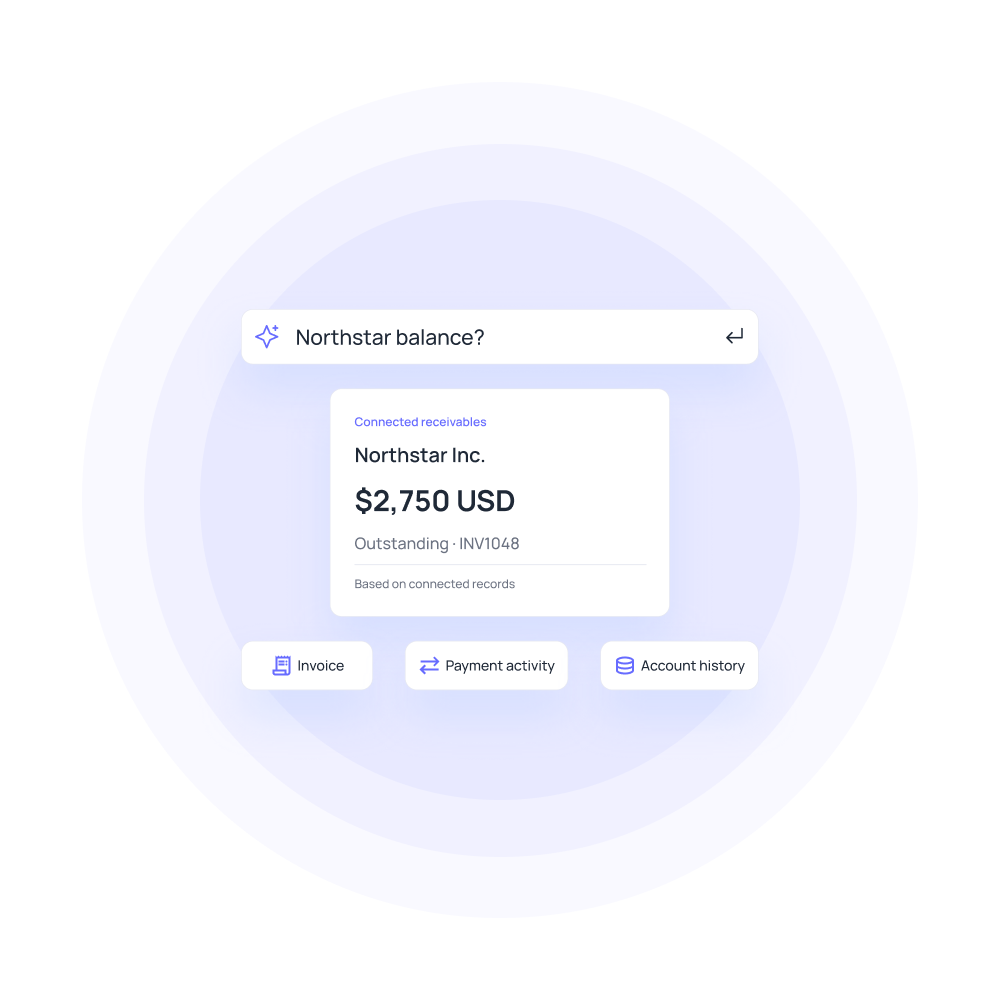
Access receivables data through AI assistants
Make connected receivables information accessible through supported AI assistants. Teams can ask about customer balances, payment progress, and account activity from the tools they already use.
Turn complex receivables into seamless workflows
One connected view across your receivables operations
Manage receivables with a shared account view
Coordinate collections, payment matching, and customer issues from a shared workspace. Teams can work with relevant account records and conversations in one place instead of assembling context across separate applications.
Carry completed receivables work back to your books
Once receivables work is approved, payment allocations and accounting updates can flow back to connected systems. This helps ensure completed activities are reflected in accounting records without requiring teams to enter the same information again.
Why choose Volopay for accounts receivable integrations
Managing receivables across disconnected tools | Managing receivables with Volopay |
|---|---|
Fragmented customer records: Teams switch between applications to find account balances, payment details, and previous conversations. | A consolidated account view: Relevant customer information and interaction history come together in one workspace. |
Manually managed follow-ups: Collectors track reminders, customer replies, and payment commitments across separate channels. | Coordinated customer follow-ups: Automated reminders and tracked responses help teams manage ongoing collection activity. |
Separate payment records: Finance teams search through invoices and payment information to identify corresponding transactions. | Connected payment context: Payment details and supporting information help teams match receipts and identify outstanding differences. |
Dispersed customer issues: Disputes and invoice queries move between inboxes, making it difficult to track ownership and previous actions. | Account-linked issue handling: Customer issues stay associated with the relevant account, supporting information and responsible owner. |
Repeated data entry: Teams manually record completed receivables activities in their accounting applications. | Updates across connected systems: Approved payment allocations and accounting updates can flow back to connected applications. |
Limited oversight: Managers collect updates from different teams and tools to understand which accounts require attention. | Better operational visibility: Shared account information helps teams prioritize overdue balances, unresolved issues, and pending approvals. |
They loved Volopay, you will too
FAQs
No. Your existing systems remain in place. Volopay connects the information and activities needed to manage collections, payment matching, and customer issues across your existing finance stack.
Yes. Supported integrations allow approved payment allocations and accounting updates to flow back into connected systems, reducing the need to enter the same information more than once.
Connected invoice records, payment activity, and customer conversations give teams a fuller view of each account. Follow-ups can reflect recent payments, customer queries, and payment commitments.
Yes. Custom integrations can connect applications outside the standard integration library. The integration approach depends on the information required and the capabilities of the source application.
Yes. Additional connections can be introduced as your business adopts new applications or moves more receivables activities into Volopay. Compatibility and custom requirements are assessed before enabling each connection.
Bring Volopay to your business
Get started now