Manage complex billing without manual work
Not every invoice is ready the moment a deal closes. Volopay checks what's missing before it lets one out the door.














No step skipped, no charge assumed
Sourced terms
Every extracted field links back to its contract source, and Volopay routes conflicting or unclear clauses to a named reviewer instead of guessing.
Explicit calculations
Charges follow the agreed model, and each invoice shows the terms and calculation behind it.
Validated before issuance
Check entity, currency, configured VAT information, PO and required documents before invoicing. Missing inputs hold only the affected charge.
Tracked through delivery
Keep sent, received, accepted and rejected states distinct across supported delivery channels.
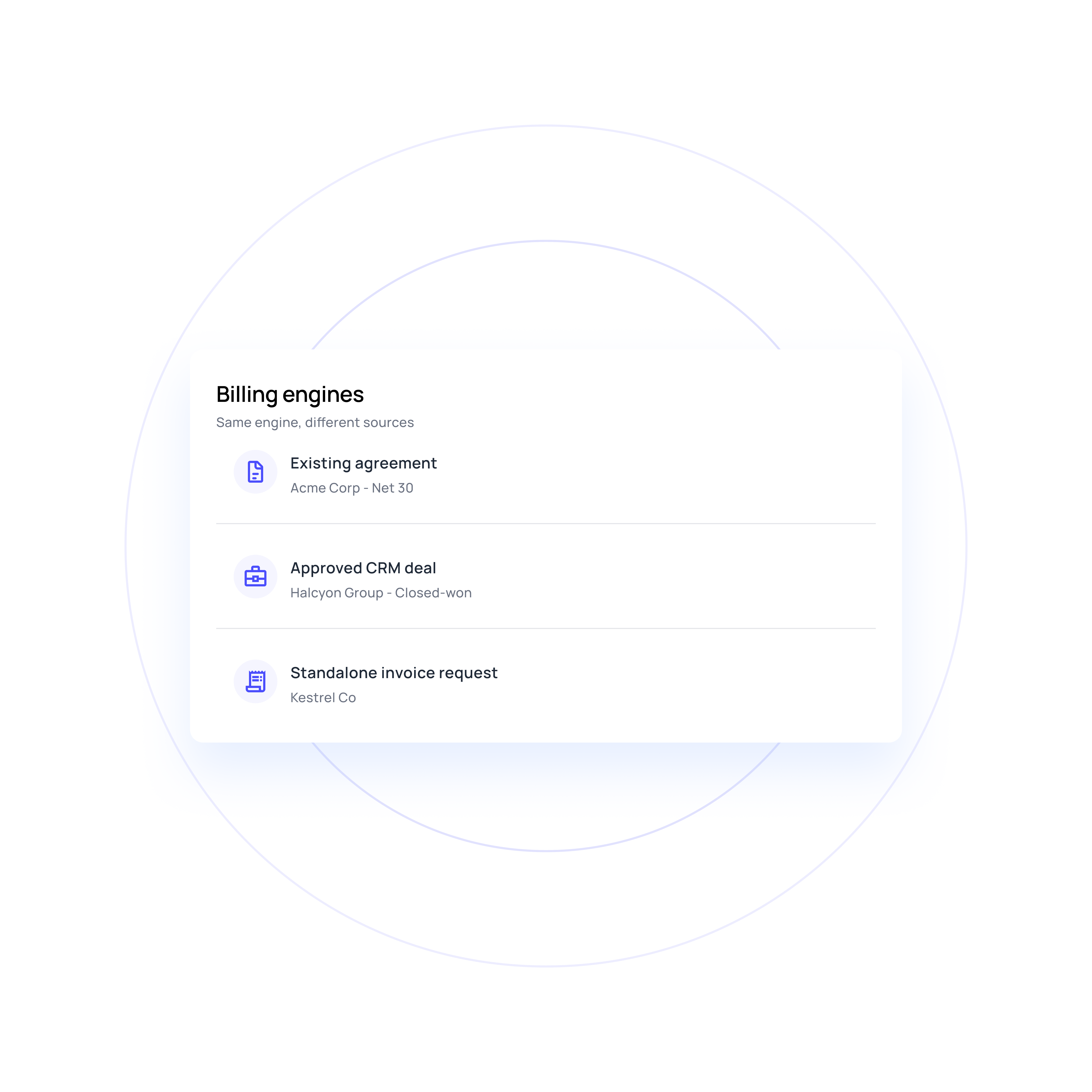
Three routes into billing
Start from an existing agreement, an approved CRM deal or a standalone invoice. Each keeps its own commercial basis and approval path.
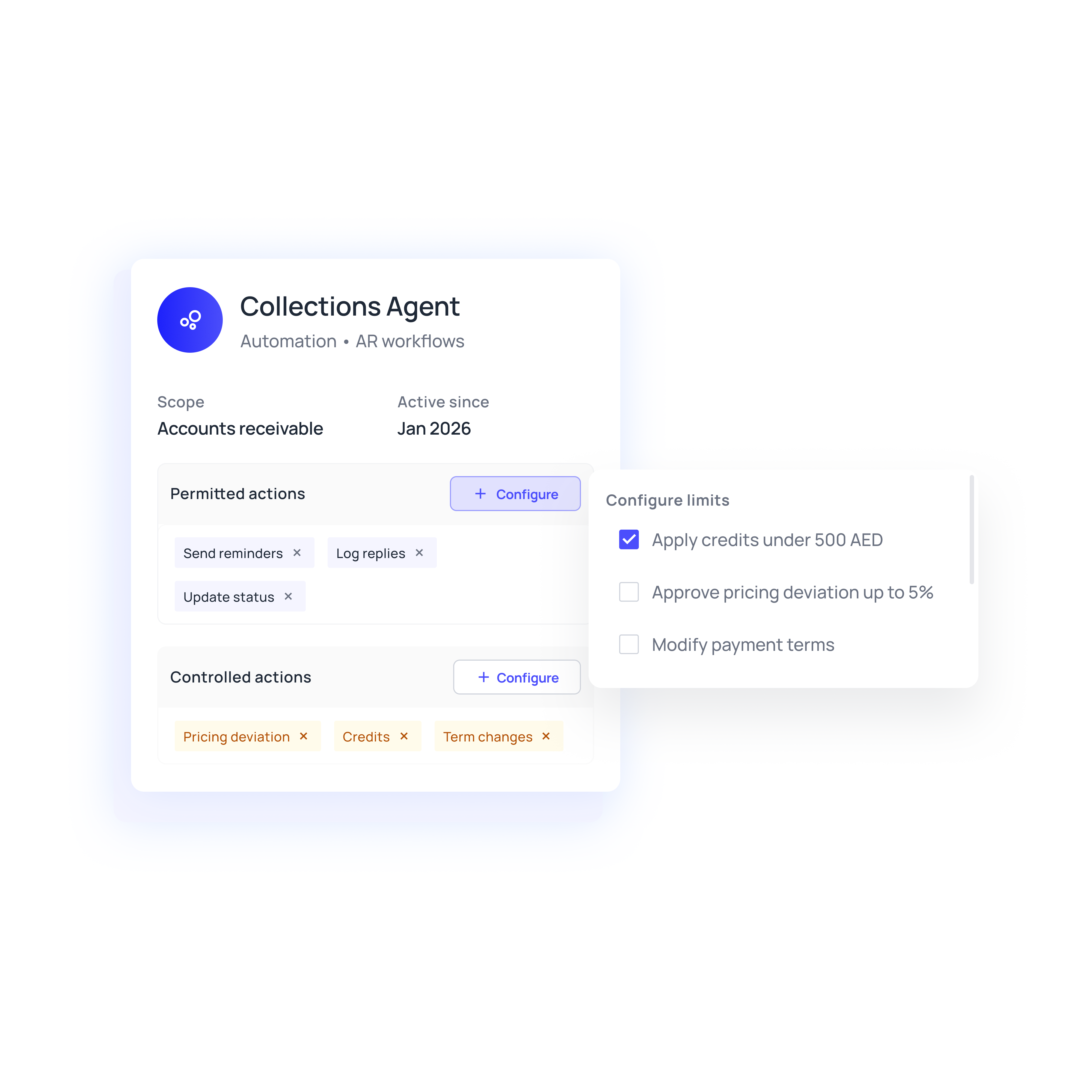
Agent actions within defined authority
Finance sets who may change pricing, approve deviations, issue invoices, grant credits, and alter mappings. Agents execute low-risk eligible work and queue ambiguous terms or material changes for review.
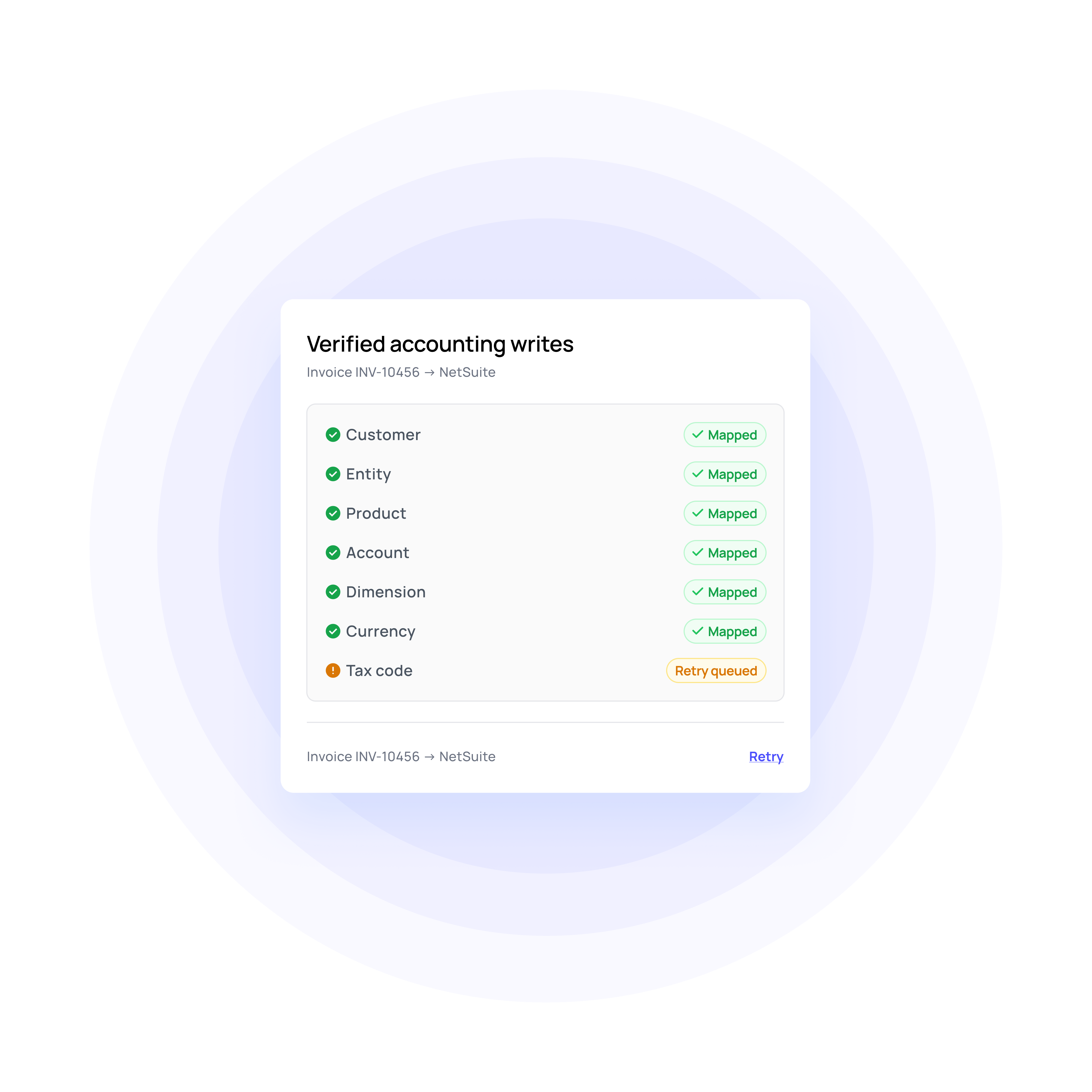
Accounting writes with verification
Volopay captures the ERP ID for each synced invoice and verifies the result. A timeout doesn't count as a failed write, and retries use stable identifiers to avoid duplicates.
Simplify your billing process with automation
Controls that run alongside billing
Rule-based approvals and e-signature
Volopay records reviewers, delegations, decisions, and signature status, and retains the completion evidence. Only the authorised final version activates the corresponding obligations.
Invoice-to-contract reconciliation
Volopay checks scheduled and issued charges against active terms, billed history, and usage or milestone evidence, and assigns each finding to an owner with supporting documents.
Routed customer self-service
Authorised customers reach invoice copies, statements, and payment links. Changes to sensitive billing or payment information go through verification.
Operational reporting
Volopay's integration health view lists pending writes, failures, retries, and verified outcomes, so a failed posting doesn't hide behind a "sent" status.
Built for high-friction billing workflows
Carry approved deal data into contract preparation, review and signature, then start billing when the agreed conditions are met.
Apply the correct entity, currency and accounting mappings across UAE and regional billing flows, while preserving the commercial basis behind each invoice.
Support recurring, usage and milestone charges against the agreed commercial model. Missing usage or acceptance evidence holds only the affected charge.
Why go the Volopay way?
Manual/legacy billing | The Volopay billing automation approach |
|---|---|
Finance manually interprets commercial terms before billing starts | Contract and deal data can be extracted into structured billing obligations with source references and ambiguity routed for review |
Complex pricing schedules live in spreadsheets | Recurring, usage, milestone, hybrid, ramp, tier, and overage models can be represented inside the billing workflow |
An invoice marked “sent” is assumed to have reached the customer | Delivery, receipt, acceptance, rejection, and electronic-invoice responses remain distinct operational states |
Amendments create manual recalculation and version confusion | Approved changes recalculate eligible future charges while preserving the original issued documents and commercial history |
ERP posting is assumed successful once data is sent | Billing writes retain identifiers, capture the resulting ERP record, and verify the outcome before the workflow treats posting as complete |
They loved Volopay, you will too
FAQs
Volopay checks approved terms, customer information, POs, usage or milestone evidence and required approvals before issuance. Missing inputs stay owned until billing is ready.
Volopay applies configured references, attachments and delivery requirements, then tracks sent, received, accepted and rejected states separately across supported channels.
Yes, for eligible billing work. Volopay prepares invoice lines from approved terms, validates required inputs and issues through configured delivery channels.
Volopay can identify the missing requirement, who can provide it, and when to follow up. Once the required information arrives, the workflow reassesses billing readiness before issuing the invoice rather than releasing it because an unrelated field changed.
Ambiguous terms, material changes, and actions outside configured authority can move to review. When commercial information is unclear or conflicting, the agent can ask a named owner for a decision and resume billing after the interpretation is approved and recorded.
Finance can define who may change pricing, approve deviations, issue invoices, grant credits, and alter accounting mappings. Legal negotiation and nonstandard contract terms also require authorised people rather than independent agent decisions.
Bring Volopay to your business
Get started now