Faster receivables, powered by automation
Volopay moves routine AR work across billing, collections, disputes and cash application, within the rules and authority your finance team sets.














One workflow, four connected agents
Billing readiness
Check customer, entity, configured VAT information and required commercial inputs before an invoice progresses. Missing information follows an owned resolution path.
Collections prioritisation
Rank receivables using payment history, promises, disputes and current account state before choosing the next permitted action.
Cash allocation
Payments move against supported invoice allocations using remittance, account context, and current balances, with residual uncertainty kept under control.
Dispute routing
Short payments and deductions become structured cases with evidence, ownership, and approval paths attached from the outset.
Rule-bound finance agents
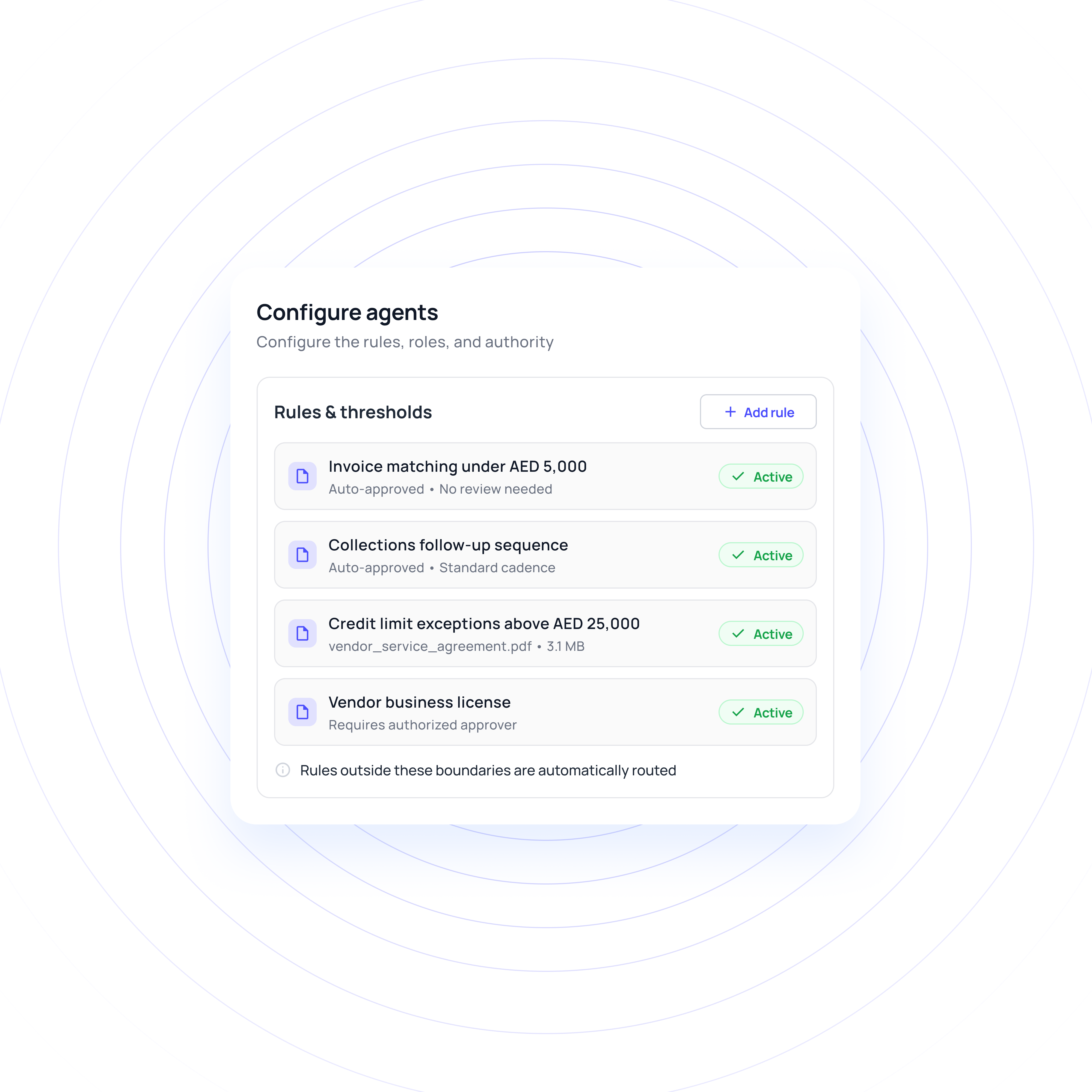
Agents act within configured rules, roles, and authority, in one of three modes: automatic, review before execution, or escalate and hold. Controls apply by entity, customer segment, action, amount, and channel.
Context that follows the receivable
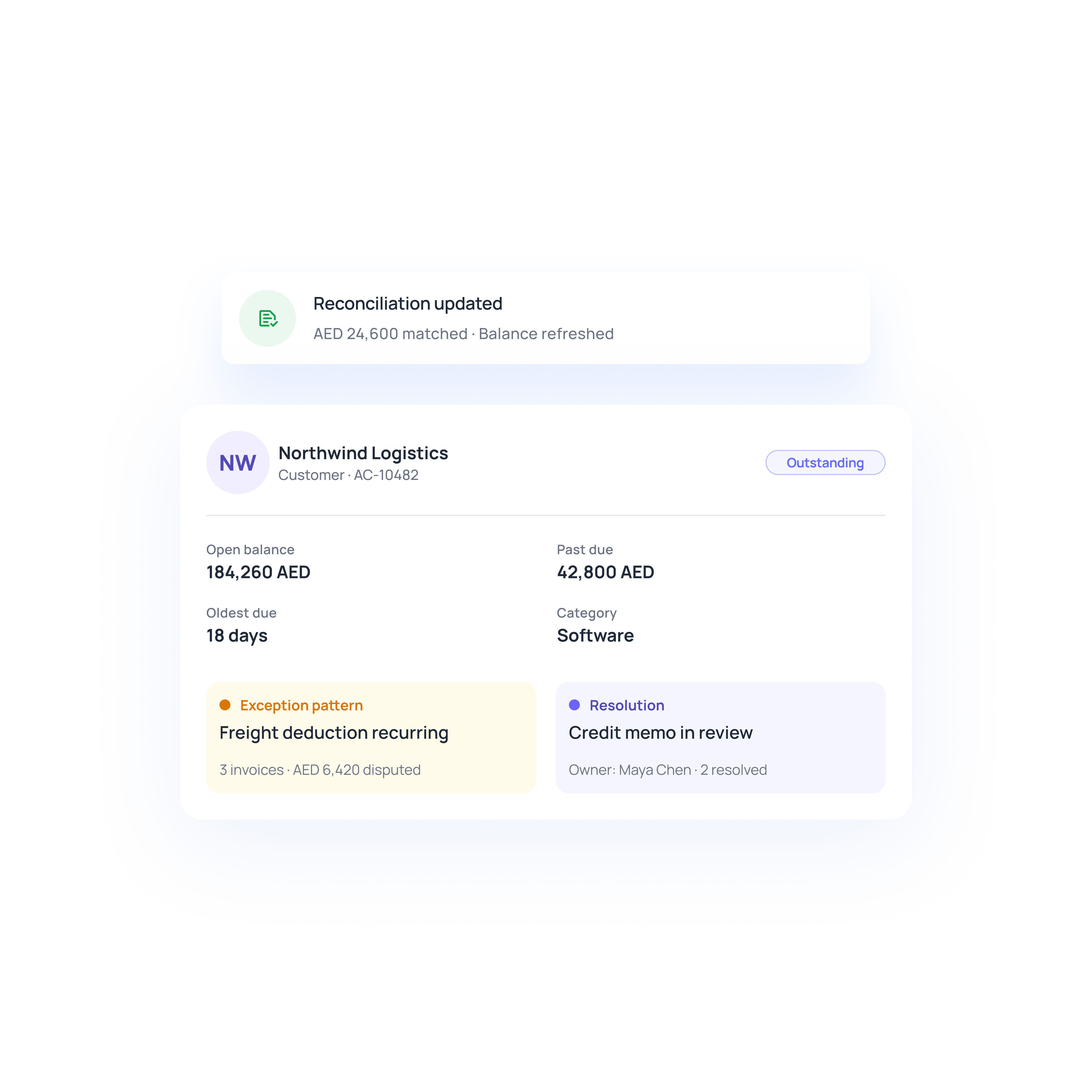
Keep terms, invoices, conversations, promises, disputes, receipts and accounting references connected as work moves through AR.
Integration layer, not a replacement
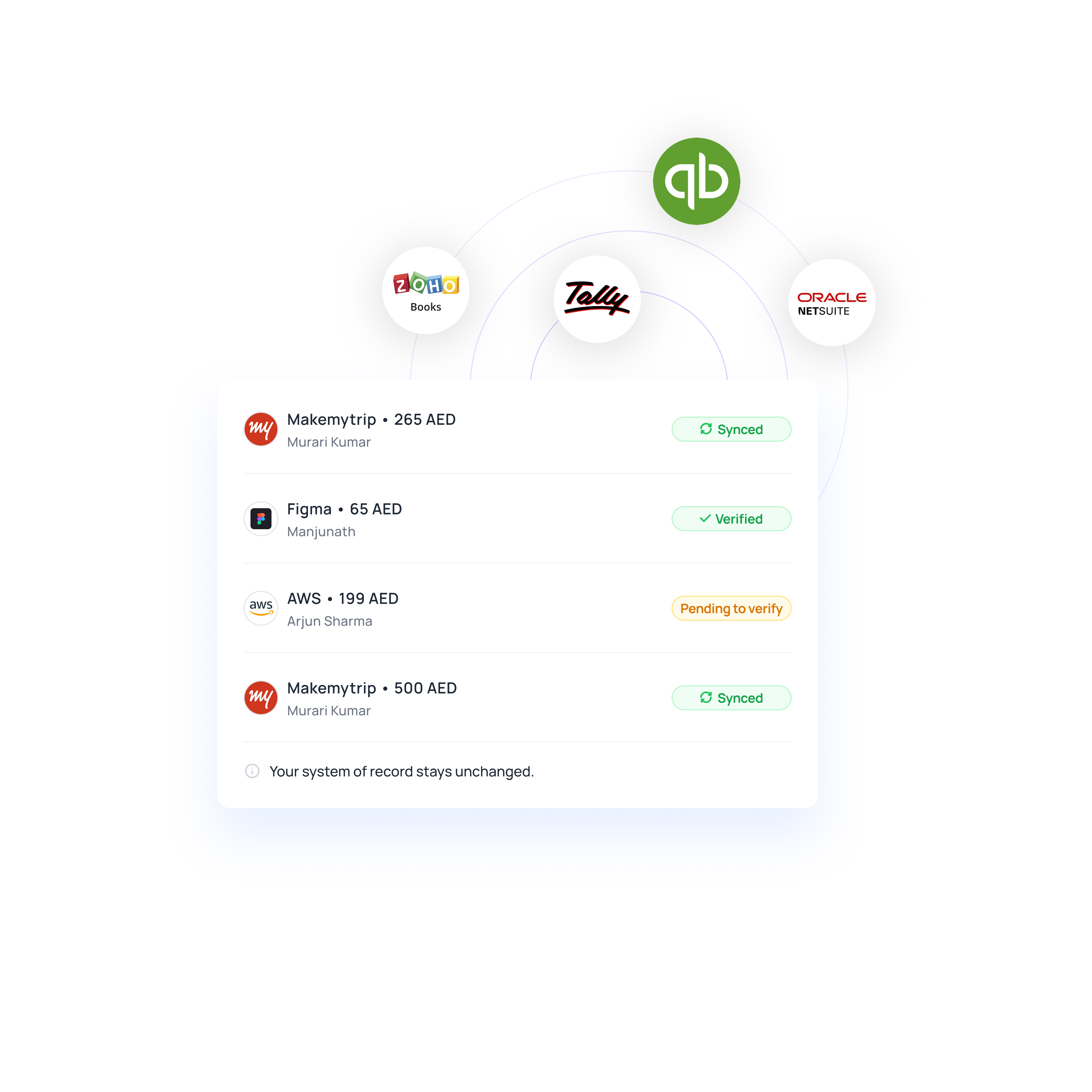
Connections to your ERP, bank, and CRM are scoped to the data each workflow requires. Your existing system of record does not need to change as a result.
Turn complex receivables into seamless workflows
Autonomy that expands as controls are proven
Defined scope, defined authority
Each deployment starts with a specific AR workflow, its exception paths, and the authority structure that governs it.
Prevent silent increases in financial authority
A model update does not raise financial authority on its own. Scope expands only after measured results justify it.
Tested before it acts
Normal transactions and exception scenarios are validated before broader rollout, including cases that require human judgement.
Versioned rules with rollback
Suggested rule changes come from approved analyst corrections. Finance reviews the trigger, evidence, and historical test results before activation, and rule versions can be rolled back.
Built around real receivable complexity
Large customer portfolios across the UAE and GCC can carry different payment histories, promises and active disputes. Bring that context into prioritisation instead of relying on ageing alone.
Receipts may arrive in AED or other regional currencies, while remittance follows separately. Bring payer, remittance and open-balance context together before progressing supported allocations.
Short-pays may reflect a commercial deduction, configured VAT-related billing issue, withholding, fee or simple payment error. Keep the difference classified and owned before applying treatment.
Why go the Volopay way?
Manual/legacy AR | The Volopay approach |
|---|---|
Collection queues often lean heavily on ageing, leaving collectors to interpret what changed on each account | Prioritisation can incorporate payment history, promises, disputes, holds and current activity. A new receipt or active conversation can also change the next permitted action |
Payment and remittance information may need to be reconciled manually before cash can be allocated | Receipt, remittance, account history and policy can support allocation decisions. Residual differences remain identifiable until resolved, with the resulting accounting balance checked afterwards |
Disputes can move between teams while evidence, ownership and the affected balance are handled separately | Cases can bring classification, evidence gathering, approval routing and permitted resolution together, while undisputed amounts continue where policy allows |
ERP, banking, CRM and communication systems are often checked separately as work moves between teams | Each system can retain defined ownership of its objects while selected data and approved actions are coordinated across the AR workflow. Downstream results can be read back after execution |
Automation rules may treat routine work and material exceptions too similarly | Controls can vary by entity, customer segment, action, amount and channel, with permitted actions automated and other cases routed for review or held |
They loved Volopay, you will too
FAQs
Volopay supports permitted work across billing, collections, disputes and cash application. Routine actions progress within configured rules, while exceptions, approvals and commercial judgement stay with authorised people.
Collections workflows can prioritise eligible receivables, manage permitted outreach, handle replies and follow commitments through to payment confirmation. Holds, active conversations or new receipts can change or suppress the next reminder when appropriate.
Volopay uses receipts, remittance, payer context and current balances to support allocation. Clear amounts can progress while unresolved differences remain visible and owned.
Dispute workflows can cover case detection, classification, evidence gathering, claim validation and approval routing. Undisputed amounts may continue through collections or application while the contested amount follows its own resolution path.
No. Your existing finance systems can remain the systems of record. Volopay coordinates approved work around them and verifies downstream accounting results after execution.
Finance sets boundaries by entity, customer, action, amount and channel. Eligible work can run automatically, while higher-risk cases move to review, escalation or hold.
Bring Volopay to your business
Get started now