AP automation software for faster cycle times
Automate the work behind invoice capture, approvals, and vendor payments, even when suppliers sit across different countries and currencies.
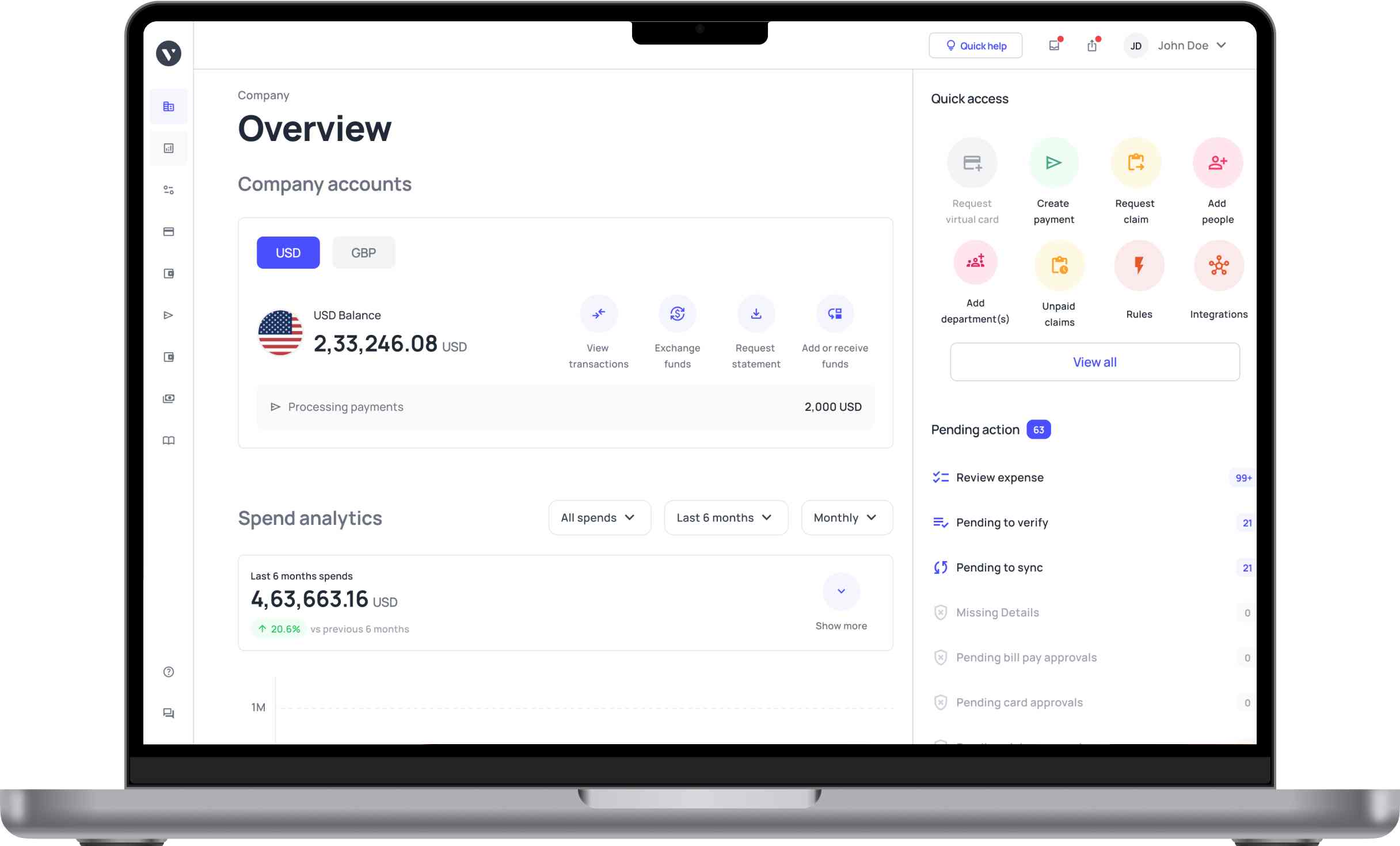














Less manual work, zero missed payments
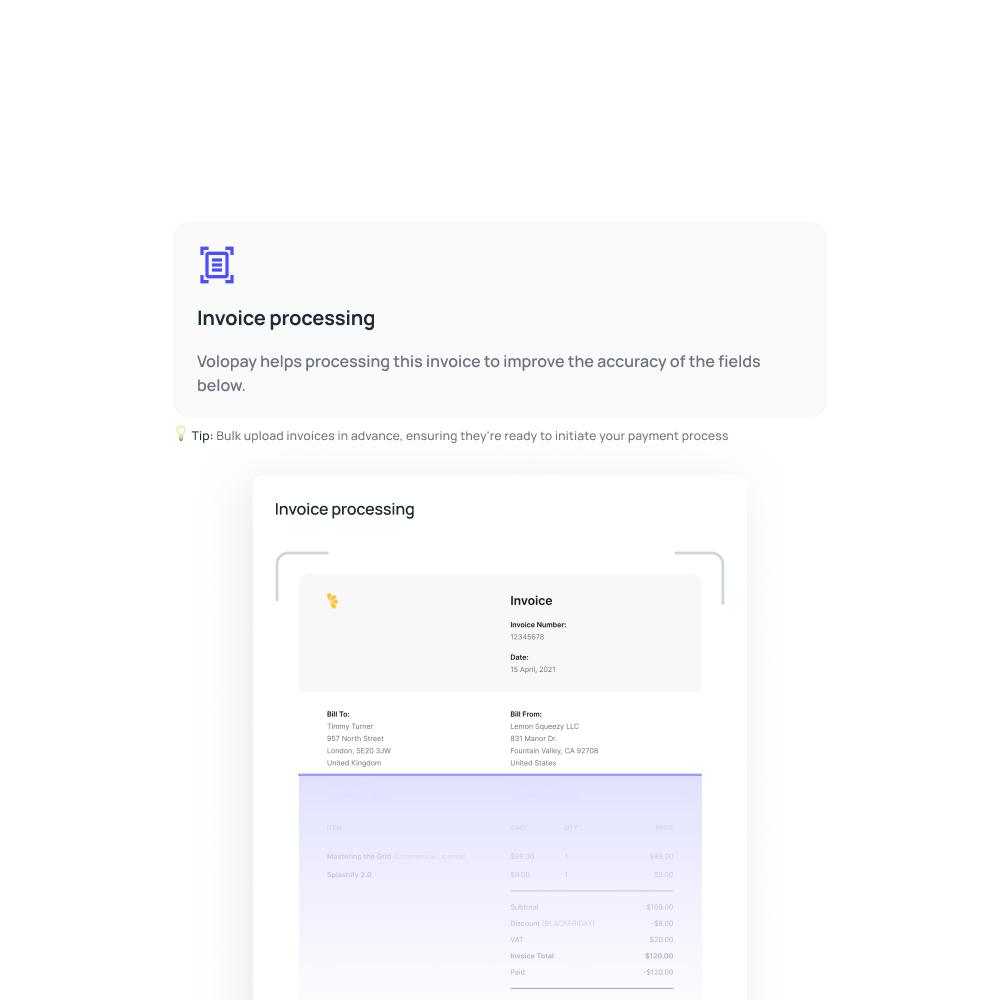
Invoice capture
Magic Scan extracts invoice data on arrival, reducing rekeying and giving AP a structured bill ready for review.
Approval routing
Bills move through the right sign-off path based on department, amount, or project.
Real-time duplicate detection
Volopay compares details such as vendor name, total amount, invoice date, and due date to flag potential duplicate bills before payment.
AI-generated expense memos
Smart Memo drafts an audit-ready description for every transaction, based on vendor, amount, and category. No manual entry required from your finance team.
Instant, accurate bill scanning with Magic Scan
Volopay’s Magic Scan (advanced AI-powered OCR) reads the vendor, invoice number, date, and amount off every bill on arrival. The data is logged into the right fields automatically, ready for approval. This removes manual entry and the errors that come with it.
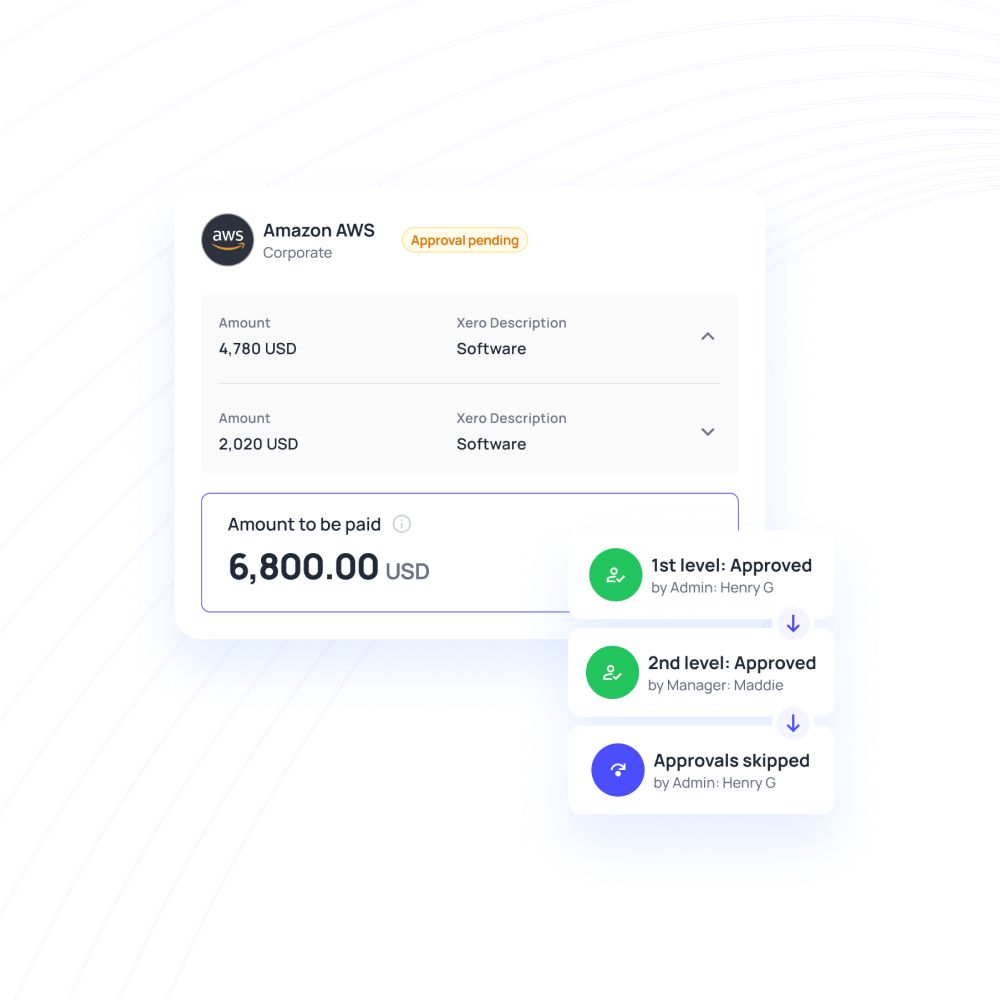
Approvals follow your reporting lines
Route each bill through the required approval workflow. Once approvals are complete, the payment can be processed according to the payment timing and settings you configured.
Payments sync straight to your books
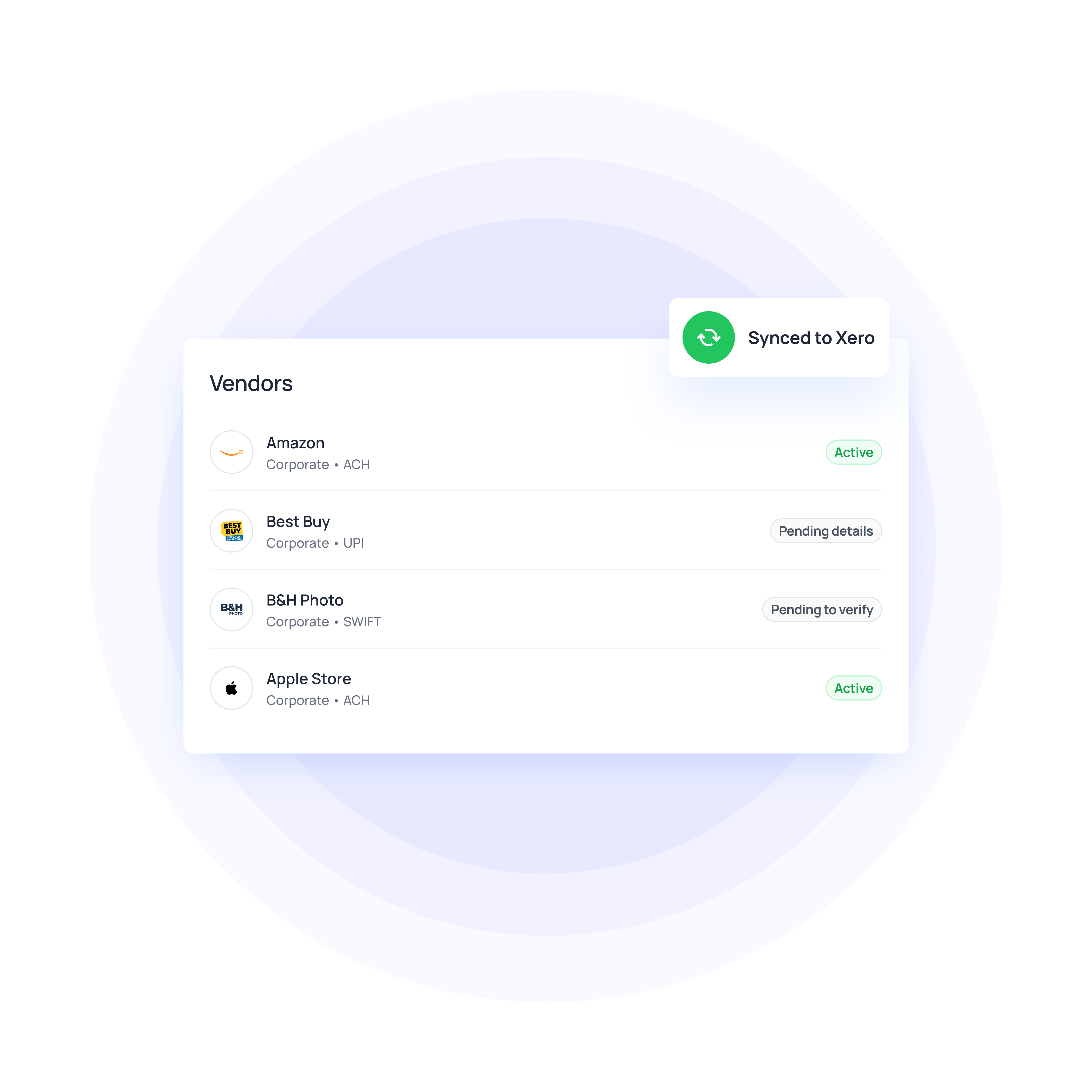
Every verified payment is pushed to Xero, QuickBooks, NetSuite, or Zoho Books along with its category, department, and project. This removes the need to re-enter data on the accounting side. Your ledger reflects the bank balance by the time you close the books.
A smart accounts payable automation solution for your business!
Built on more than a scan and a sync
Choose the payment rail that fits each vendor
US businesses can use payment methods including ACH, wire, and FedNow for eligible domestic payments. International vendors can be paid through supported SWIFT, non-SWIFT, or local payment methods, depending on the destination and account setup.
Vendor details are collected by email
A vendor onboarding request goes out by email, and the vendor fills in their own bank details directly. This removes the manual step of collecting and entering that information on your end. The vendor record is ready as soon as they submit it.
Invoices can be uploaded and processed in bulk
A batch of invoices can be uploaded at once instead of one at a time. Each one still goes through the same OCR capture and approval routing individually. This cuts down processing time when volume is high.
Every transaction keeps a record ready for audit
Each payment, approval, and vendor change is logged automatically as it happens. These records stay accessible from a single dashboard, without a separate archiving step. This keeps the company audit-ready at any point in the year.
Common use cases
A growing team often ends up paying suppliers across several currencies without a clean process for it. Volopay's approach to vendor payouts covers multi-currency support and automated payment scheduling. Teams can pay every vendor globally, in their preferred currency, through one platform.
When invoice volume spikes at month-end, processing each bill one at a time slows everything down. Uploading invoices as a batch through Volopay's bulk payment feature lets a team push through a large stack together. The automated accounts payable system ensures each one still moves through its own approval and OCR capture.
Larger teams usually need more than one person signing off on a bill before it's paid. Setting up multi-level approval workflows lets a company route each bill by department, amount, or project. This way, no payment leaves without every required sign-off in place.
Why switch to Volopay?
Manual/legacy approach | Volopay approach |
|---|---|
Someone manually types vendor, amount, and invoice number into a spreadsheet or accounting tool | Magic Scan captures the same fields automatically the moment the bill is uploaded |
Duplicate billing is caught only if someone happens to notice a repeated invoice number or amount | Potential duplicate bills are flagged automatically based on matching payment details |
Bill gets forwarded by email, and sits until someone remembers to act on it | Routed automatically to the right approver by department, amount, or project |
Requires a separate bank relationship or account in that vendor's country | Pay vendors in 180+ countries through supported international payment methods |
Charged on every cross-border payment, regardless of currency match | Multi-currency payment options can reduce unnecessary currency conversion and associated FX costs |
Payments are matched to the ledger by hand, one by one, at month-end | Verified payments sync to Xero, QuickBooks, NetSuite, or Zoho Books automatically, with category and department intact |
Someone writes a memo for each transaction manually | Smart Memo generates an audit-ready description automatically |
They loved Volopay, you will too
Connect AP to your finance stack
Connect Volopay Accounts Payable with the accounting and ERP systems your finance team already uses. Sync invoices, payments, transaction data, and approved expenses between platforms, reducing duplicate entry and keeping your books easier to reconcile.
Connect with: Xero, QuickBooks, NetSuite, Zoho Books




Real businesses, real results

Cut invoice cycle time by 80% and brought vendor payments down to 2 days, from 15 days

Reduced vendor payment delays by 80% and saved $20,000–$40,000 a year on FX fees

Now pays subcontractors in days instead of weeks, saving $50K a year on FX
Bring Volopay to your business
Get started now
FAQs
Bills route automatically through the required approval workflow. Once all required approvers sign off, the payment can proceed according to your configured payment settings.
Yes. Approval chains are fully customizable and multi-level. They follow your existing reporting structure, so nothing changes about how your team already signs off on spend.
Volopay is SOC 2 compliant. Payments run through Airwallex and partner banks, and every transaction is logged automatically for an audit-ready record.
Yes. Magic Scan captures invoice details on arrival. Bills then move through approval automatically, and verified payments sync straight to your accounting software.
Yes. Plans scale with monthly spend, starting low for smaller volumes. Startups get the same automation and approval tools as larger accounts, without added complexity.
Yes. Every bill is checked for duplicates and routed to the right approver automatically. No manual forwarding or follow-up is required from your team.
Volopay is built to scale, supporting payments across 180+ countries. As spend grows, approval limits and vendor management scale with it.
Yes. Vendors can be paid in 60+ currencies across 180+ countries, using ACH, wire, FedNow, SWIFT, or local rails, depending on the vendor's location.
Onboarding involves setting up approval workflows and connecting your accounting software. Vendor details are collected by email, so no manual data entry is needed upfront.